Most meetings end with good intentions and nothing written down. A week later nobody remembers who said they'd send the date, and the same topic is back on the agenda. Clear action items fix that. This guide shows the four parts of a good action item, 25 examples written vaguely and then clearly, a follow-up email you can copy, and a simple way to track promises from all your meetings in one place.
An action item is a specific task agreed in a meeting, with one person responsible and a date it's due. It's different from a decision ("we'll keep the rollout plan") and from a note ("the client wants the date in writing"). The decision and the note explain why; the action item is what someone actually does next.
If a meeting produced no action items and no decisions, it was probably an update that could have been an email.
What makes a good action item?
Four parts, every time:
A verb and a finished result: "Send the revised rollout date to the client", not "rollout date".
One owner: a name, not a team. "Morgan", not "marketing". If two people share it, nobody owns it.
A due date: a day, and a time if it matters. "Thu", not "soon" or "ASAP".
A check-back day: when you'll look to see it's done, usually a little before the due date for anything that matters.
A quick test before the meeting ends: read each action out loud and ask, "Could someone who wasn't here tell whether this is done on Thursday?" If not, rewrite it while everyone's still in the room.
Action item examples: vague vs clear
Here are 25 examples grouped by type of meeting. Swap in your own names and dates.
Team meetings
Vague: "Look at the rota." Clear: "Post the new weekend rota for comments · Dana · Mon."
Vague: "Onboarding stuff." Clear: "Draft the first-week checklist for new hires · Priya · Fri."
Vague: "Think about the Q1 plan." Clear: "Share a one-page Q1 plan draft with the team · Me · Thu."
Vague: "Fix the shared drive." Clear: "Archive folders older than 2 years and send the new folder map · Sam · Nov 20."
Vague: "Everyone update the tracker." Clear: "Each person updates % done on their own tasks · all · every Mon 10:00."
Project meetings
Vague: "Rollout date." Clear: "Send the revised rollout date to the client · Morgan · Mon 2pm."
Vague: "Training." Clear: "Finish the training deck and share it for review · Luca · Thu (check Wed noon)."
Vague: "Chase the vendor." Clear: "Get a confirmed date for the third export run · Sam · Tue."
Vague: "Risks." Clear: "Add the data-import risk to the log with a backup plan · Maya · Wed."
Vague: "Status for leadership." Clear: "Send the weekly status report, amber, with the decision needed · Maya · Fri 3pm."
One-on-ones
Vague: "Pricing thing." Clear: "Ask the finance lead for the pricing decision · Me · Fri."
Vague: "Priya to think about presenting." Clear: "Draft the Q4 report outline · Priya · Tue. Practice run with me · Thu."
Vague: "Training budget." Clear: "Book the billing system course and send Sam the dates · Me · Nov 13."
Vague: "Workload." Clear: "Move the vendor audit to January and tell the sponsor · Me · Wed."
Vague: "Mentor." Clear: "Introduce Priya to Ana in finance by email · Me · today."
Client meetings
Vague: "Send notes." Clear: "Email the client a summary with decisions and next steps · Me · today 3pm."
Vague: "Pricing." Clear: "Send the revised quote with two options · Alex · Thu."
Vague: "They'll send stuff." Clear: "Client sends brand guidelines and logo files · Jordan (client) · Fri. We check Mon."
Vague: "Next meeting." Clear: "Book the design review for the week of Nov 16 · Me · tomorrow."
Vague: "Contract." Clear: "Send the contract to legal for review · Alex · Wed, answer to client by Nov 20."
Leadership and steering meetings
Vague: "Budget question." Clear: "Approve or decline the $1,200 backup export · Dana · Fri."
Vague: "Headcount." Clear: "Bring a hiring case for one support role to the Dec 1 meeting · Sam · Nov 27."
Vague: "Priorities." Clear: "Rank the five Q1 projects and send the order to project leads · Dana · Nov 18."
Vague: "Comms." Clear: "Announce the new launch date in the all-hands email · Maya · Mon."
Vague: "Follow up on the reorg." Clear: "Share the draft team structure with managers for comments · Dana · Nov 20."
How do you capture action items during the meeting?
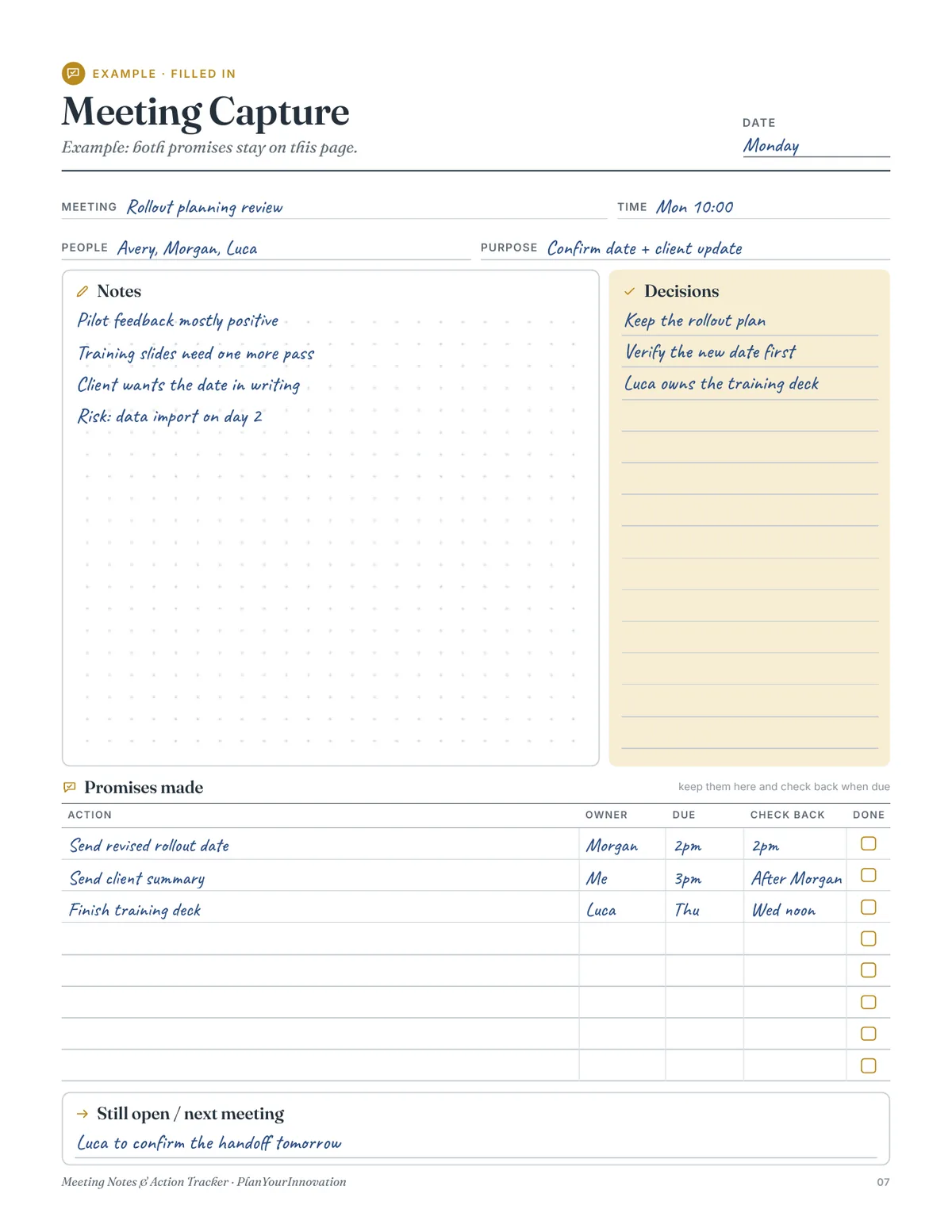
Keep a separate box or table for actions on the same page as your notes, so they don't get lost in the middle of a paragraph. Every time someone says "I'll…" or "can you…", write the action, the owner and the date straight away. Five minutes before the end, read the list out loud and fix any line without an owner or a date.
Write decisions separately too. "Keep the rollout plan" is a decision. "Send the revised rollout date" is the action that follows from it. Keeping them apart makes the follow-up email almost write itself.
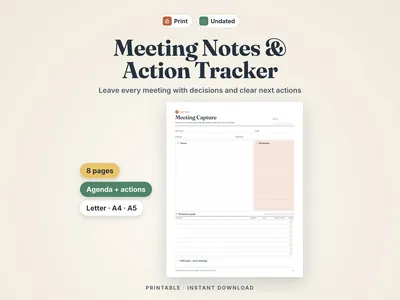
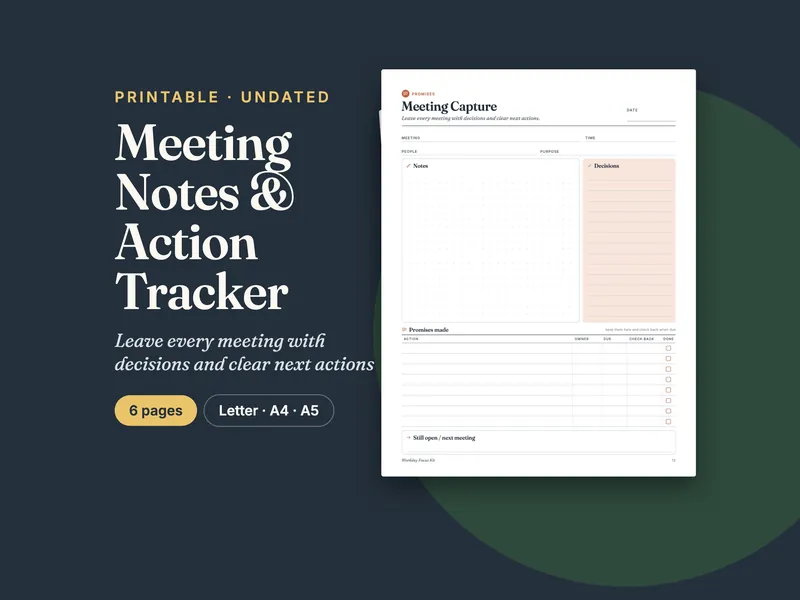
Notes, decisions and promises kept apart on one page, from the Meeting Notes & Action Tracker.
How do you send action items after a meeting?
Send them the same day, ideally within an hour, while everyone still remembers. Keep it short: decisions first, then actions, then anything still open. Here's a format you can copy:
Subject: Rollout planning review: decisions and actions (Mon)
Decisions: keep the rollout plan; verify the new date before we tell the client; Luca owns the training deck.
Actions: Morgan sends the revised date to the client by 2pm today. I send the client summary by 3pm, after Morgan. Luca finishes the training deck by Thu (check-in Wed noon).
Still open: Luca to confirm the handoff tomorrow.
Reply if I've got anything wrong. Next check-in: Thu 10:00.
Naming people in the email, with dates, does most of the follow-up for you. Nobody wants their name next to a missed date in writing.
How do you follow up on action items without nagging?
Agree the check-back day in the meeting, so a reminder is expected, not a surprise. Then check on that day, not every day. A short, neutral message works best: "Checking in on the training deck for Thursday. Anything you need from me?" It offers help and keeps the date visible.
Start your next meeting by reading the open actions from the last one. Ticking them off in front of everyone takes two minutes, and people learn quickly that actions get checked.
Keep every promise from every meeting in one place
The hardest part isn't writing actions down. It's keeping track of them across ten meetings a week. If your actions live in ten different notes, some will be forgotten.
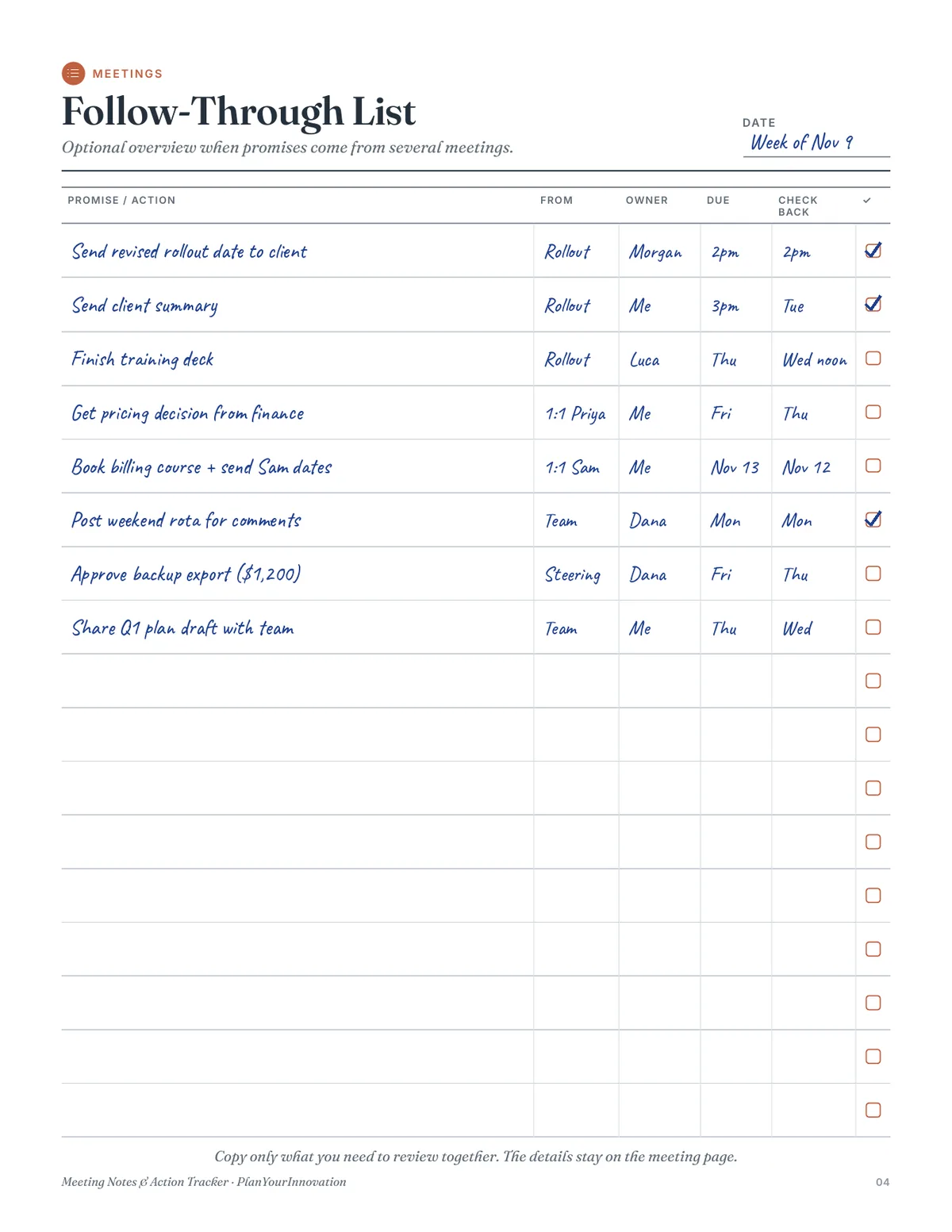
Once a day, or after each meeting, copy anything you own or are waiting on to a single list with five columns: the promise, which meeting it came from, the owner, the due date and the check-back day. Your own tasks can go straight into your task list; things you're waiting on from other people get their own Waiting On list, so you remember to chase them.
A week of promises from five meetings on one Follow-Through List.
What about actions other people owe you?
Half the actions that matter to you belong to someone else: the client's brand files, finance's pricing decision, the vendor's export date. Write them down just as carefully, with the other person as owner, and put them on a Waiting On list with the day you'll check.
On that day, send one short message. If it's still not done, ask for a new date rather than a vague "soon", and update the list. Waiting-on items are where most projects quietly slip, because nobody owns the chasing.
How do you handle action items in remote or hybrid meetings?
Share your screen with the action table while you write it, so everyone sees the wording, owners and dates as you go.
Paste the actions into the meeting chat before you hang up. It takes seconds and gives everyone a copy.
Ask people who are dialled in, not in the room, to confirm their own actions out loud. They're the easiest to lose.
Use one shared document or tracker for the team's actions, not each person's private notes.
Common action item mistakes
Writing topics ("budget") instead of actions ("approve the budget").
Giving an action to a team or to "we".
"ASAP" instead of a date. ASAP means different things to everyone.
Ending the meeting without reading the actions back.
Sending the follow-up email two days later, or not at all.
Never checking: if actions are never reviewed, people stop taking them seriously.
Templates that help
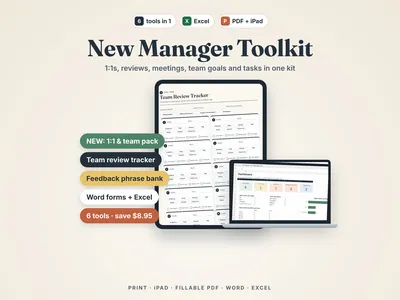
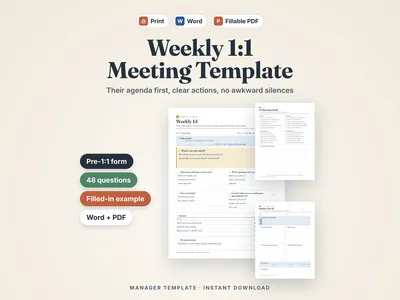
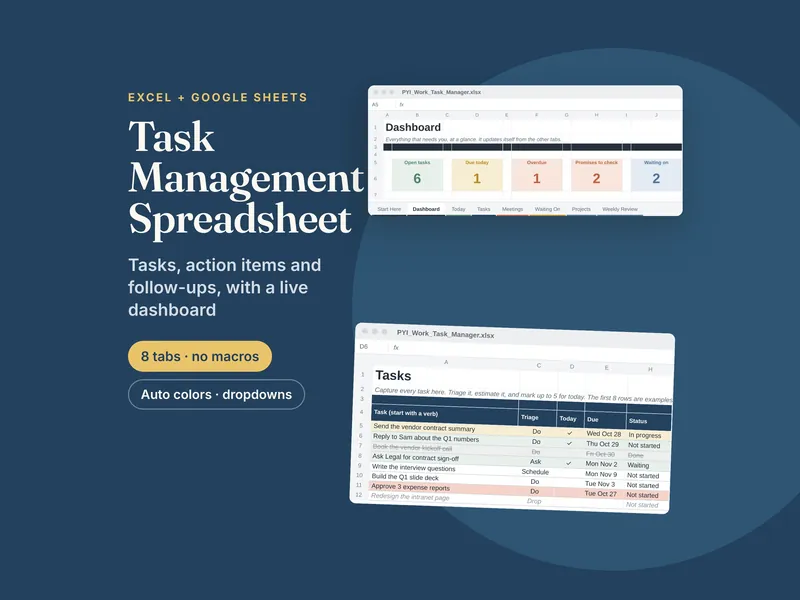
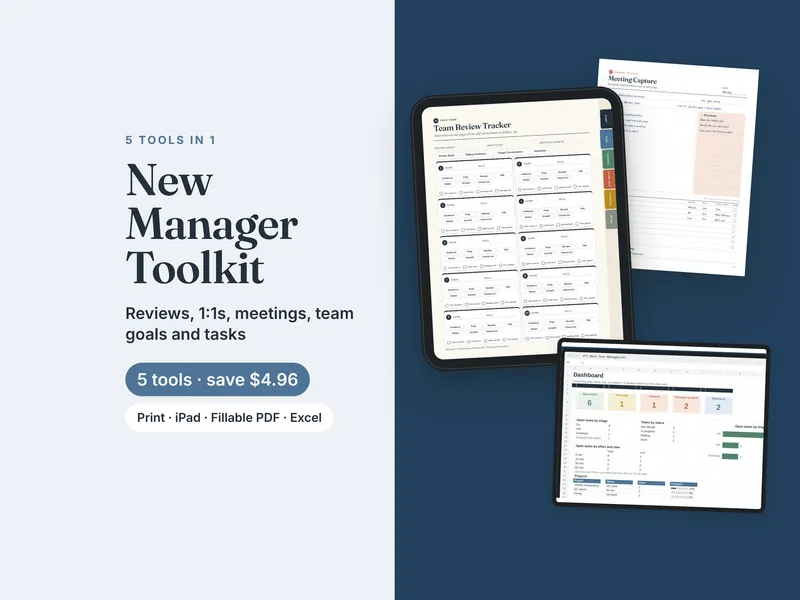
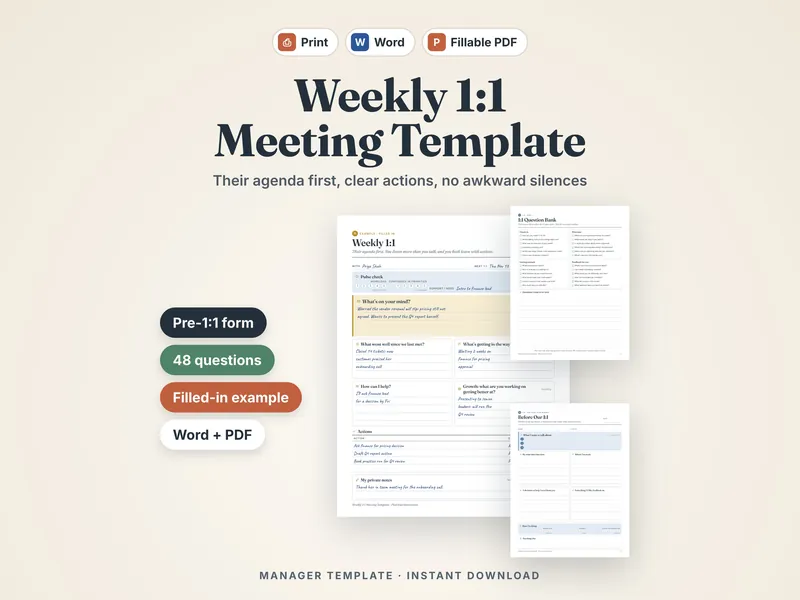
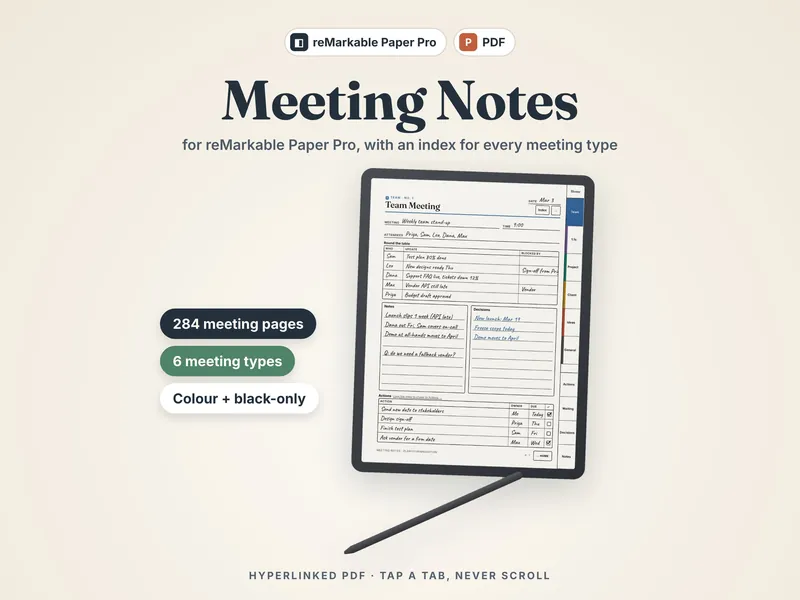
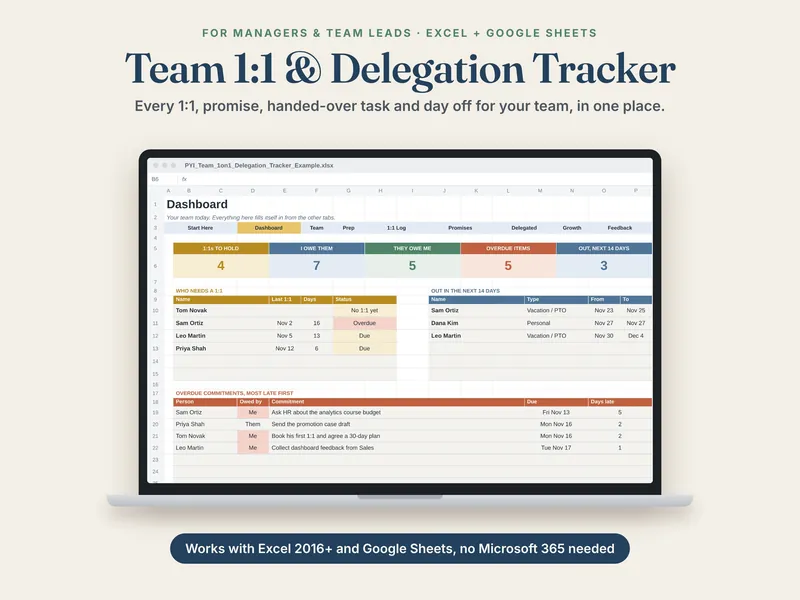
The Meeting Notes & Action Tracker has a Meeting Agenda & Prep page, a Meeting Capture page with separate boxes for notes and decisions and a promises table (action, owner, due, check back, done), a 1:1 & Recurring Meeting page, a Follow-Through List for promises from several meetings and a Waiting On list, with filled-in examples. If you'd rather keep actions in a spreadsheet, the Work Task Manager puts meeting actions, your own tasks and waiting-on items in one sheet with a Today list. Managers running weekly 1:1s get both, plus a 1:1 Actions Log, in the New Manager Toolkit. For the 1:1 side, see our one-on-one meeting questions.
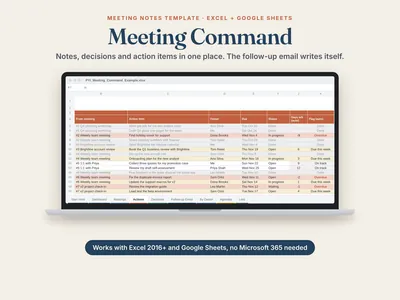
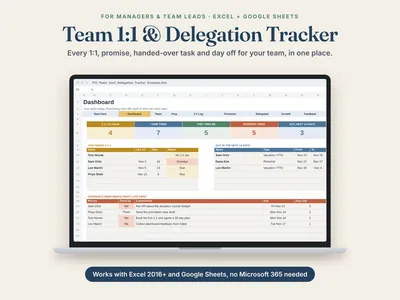
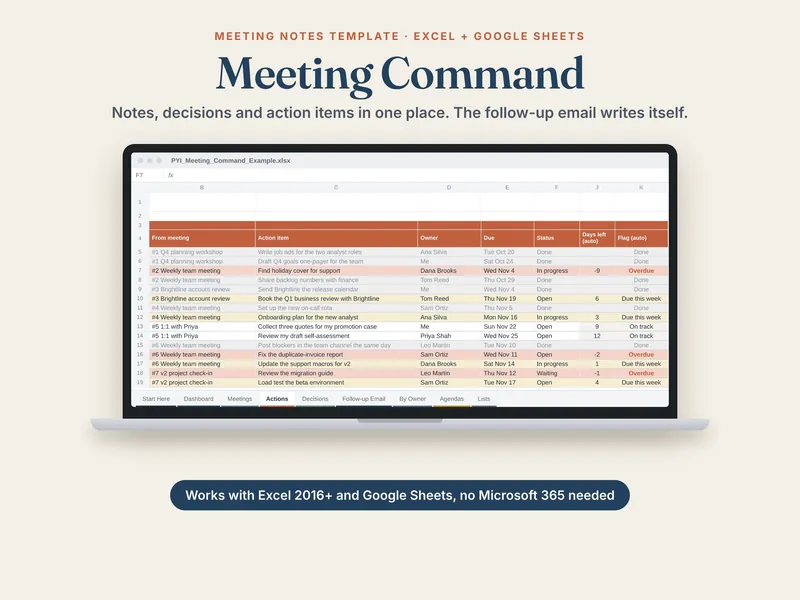
Prefer a spreadsheet? Meeting Command logs each meeting with its decisions and action items in Excel or Google Sheets. Every action gets one owner and one date, the follow-up email writes itself, and the dashboard shows what's overdue.
Free printable pages
Turn action items into clear hand-offs
Get The Priority Pages free, including a one-page Delegation Agreement: what done looks like, the deadline and the check-in, agreed before the work changes hands.
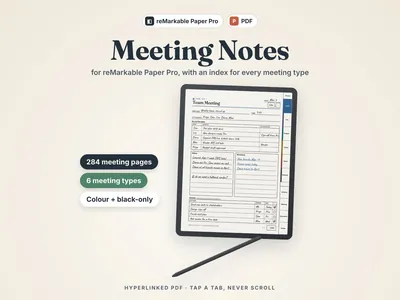
284 hyperlinked meeting pages in six color-coded types (team, 1:1s, project, client, brainstorm and general), each with its own layout and index, plus Actions, Waiting On and a Decision Log.
Whoever runs the meeting, or a named note-taker. One person writing them keeps the list consistent, and the meeting lead reads them back at the end.
Can an action item have two owners?
Give it one owner, who can involve others. "Morgan, with Luca's input" works. "Morgan and Luca" usually means each thinks the other is doing it.
What's the difference between an action item and a task?
An action item is a task that came out of a meeting and was agreed in front of others. Once agreed, it goes on the owner's task list like any other task.
What if someone keeps missing their action items?
Talk to them privately first. Ask what's getting in the way: too much work, an unclear ask or a blocker. Then agree smaller actions with closer check-back days for a few weeks.
How many action items should a meeting have?
As many as were really agreed, but if one person has more than three or four from a single meeting, check they can actually do them by the dates.

 By