Most meetings that go nowhere had an agenda. It just said "Project update" and "AOB". A useful agenda does three jobs: it says what the meeting is for, it tells each person what to bring, and it leaves time to agree who does what next. This guide has a simple meeting agenda template you can copy, a six-step way to write one in ten minutes, 12 agenda items written vaguely and then clearly, and 10 example agendas for the meetings you run most.
A good agenda fits on half a page. It has six parts:
Objective: one sentence that finishes "By the end of this meeting we will have..."
Items: three to five topics, most important first.
An owner for each item: the person who leads it, not always the organizer.
Minutes for each item: so the agenda adds up to the time you've booked.
The outcome for each item: inform, discuss or decide. This one word changes how people prepare.
Five minutes for actions: the last item is always a recap of who does what, by when.
Add the decisions needed (who decides, and what they need to know first) and any pre-reads. Then send it at least a day ahead, so people come prepared instead of reading it in the first five minutes.
Top risks and what we're doing about them (discuss, 10 min)
Recap actions (inform, 5 min)
4. One-on-one (30 minutes)
Objective: their priorities move forward and they leave with what they need.
Last time's actions (inform, 5 min)
Their topics first (discuss, 15 min)
Your topics and feedback (discuss, 5 min)
Actions with an owner and a date (inform, 5 min)
5. Client meeting (45 minutes)
Objective: the client approves the next phase and we agree dates.
What we delivered since last time (inform, 10 min)
Their feedback (discuss, 15 min)
Next phase: scope and dates (decide, 15 min)
Recap actions on both sides (inform, 5 min)
6. Brainstorm (45 minutes)
Objective: a shortlist of three ideas, each with someone to test it.
The problem in one sentence (inform, 5 min)
Ideas, no judging (discuss, 20 min)
Group and vote (decide, 10 min)
Owners for the top three (decide, 10 min)
7. Decision meeting (30 minutes)
Objective: choose one option and agree the first step.
The decision and the deadline (inform, 5 min)
Options with pros and cons, sent as a pre-read (discuss, 15 min)
Decide (decide, decision-maker, 5 min)
First step and who tells whom (inform, 5 min)
8. Project retrospective (45 minutes)
Objective: two changes we'll make on the next project.
What went well (discuss, 10 min)
What didn't (discuss, 15 min)
What we'll do differently (decide, 15 min)
Owners for each change (inform, 5 min)
9. New-hire welcome (30 minutes)
Objective: the new person knows their first-week plan and who to ask.
Introductions (inform, 10 min)
Their first week and first 30 days (inform, manager, 10 min)
Who to ask for what (inform, 5 min)
Questions (discuss, 5 min)
10. Quarterly planning (90 minutes)
Objective: three team outcomes for the quarter, each with an owner.
Last quarter: what we delivered and missed (inform, 15 min)
Proposed outcomes (discuss, 30 min)
Pick three (decide, 20 min)
Milestones and owners (decide, 20 min)
Recap (inform, 5 min)
How do you send a meeting agenda?
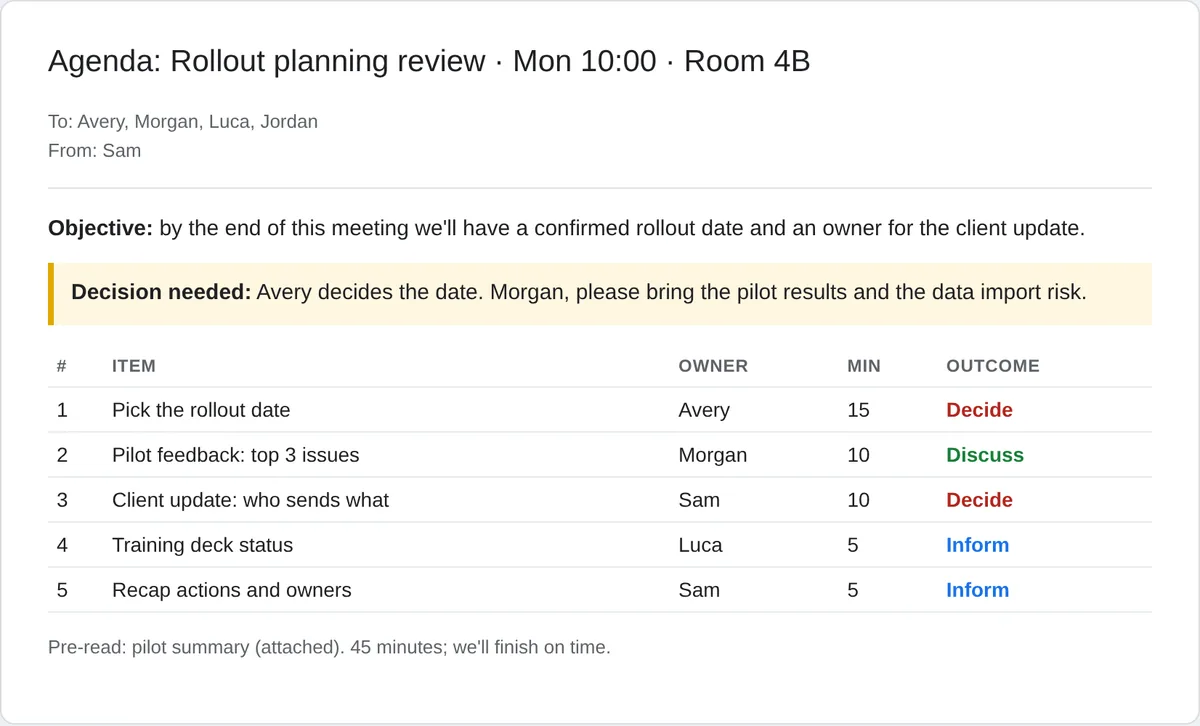
Put it in the calendar invite or the email that goes with it, a day ahead. Lead with the objective and the decisions needed, list the items with owners and minutes, and attach the pre-reads. Then say what you need from each person: "Morgan, please bring the top three pilot issues." A short, specific agenda in the invite gets read. A long attachment usually doesn't.
The same agenda sent a day ahead: objective, decision needed, items and what to bring.
How do you keep a meeting to the agenda?
Open by reading the objective out loud and saying when the meeting will end. Keep the agenda on screen and watch the minutes. When a topic runs over, give people a choice: "We're at time on this one. Do we decide now, or take it offline with Morgan and Avery?"
Park anything that isn't on the agenda in a list at the bottom of your notes, with a name next to it, and come back to it in the last five minutes or in a follow-up. People let go of a topic much more easily when they can see it's been written down.
How long should a meeting be?
As short as the objective allows. Many teams default to 60 minutes because that's what the calendar offers. Try 25 or 50 instead, so people have a few minutes between back-to-back meetings. A weekly team meeting or one-on-one rarely needs more than 30 minutes, and a decision meeting with a good pre-read can take 20.
End every agenda with action items
The last five minutes are where a meeting pays off. Read back every action with an owner and a date, and write them down where everyone can see them. Send them within the hour. Our guide on how to write meeting action items has 25 examples and a follow-up email you can copy.
Common meeting agenda mistakes
Topics instead of outcomes: "Budget" instead of "Approve the budget".
Too many items: five is plenty for an hour.
No minutes, so the first item takes the whole meeting.
The decision item last, when people are tired or have left.
Sending it five minutes before, so nobody prepares.
No time for actions, so the meeting ends with nods instead of owners.
What problems does the Meeting Notes & Action Tracker solve?
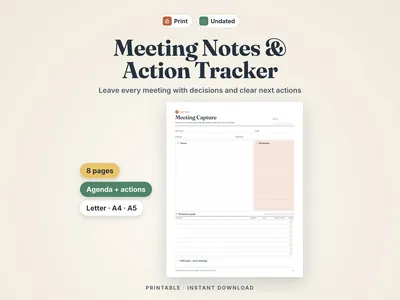
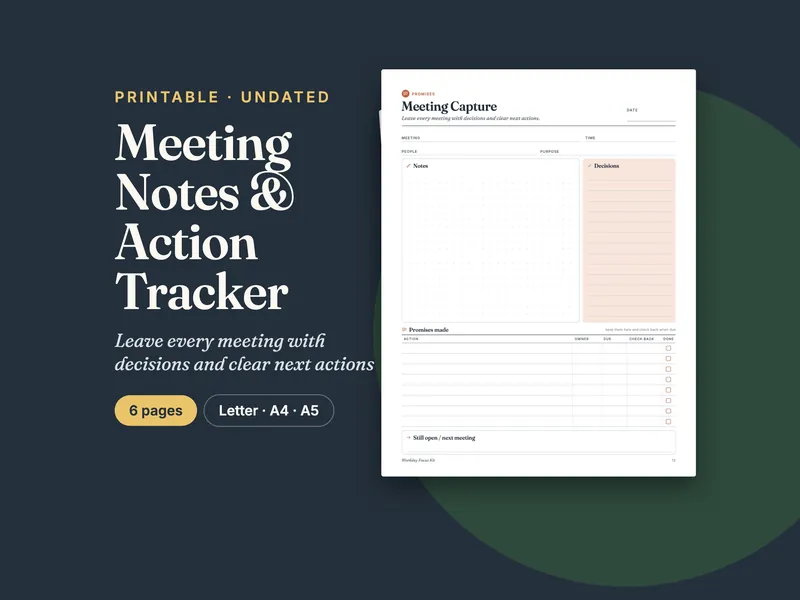
Writing a good agenda is half the job. The other half is remembering what was promised once the meeting ends. The Meeting Notes & Action Tracker is built for both:
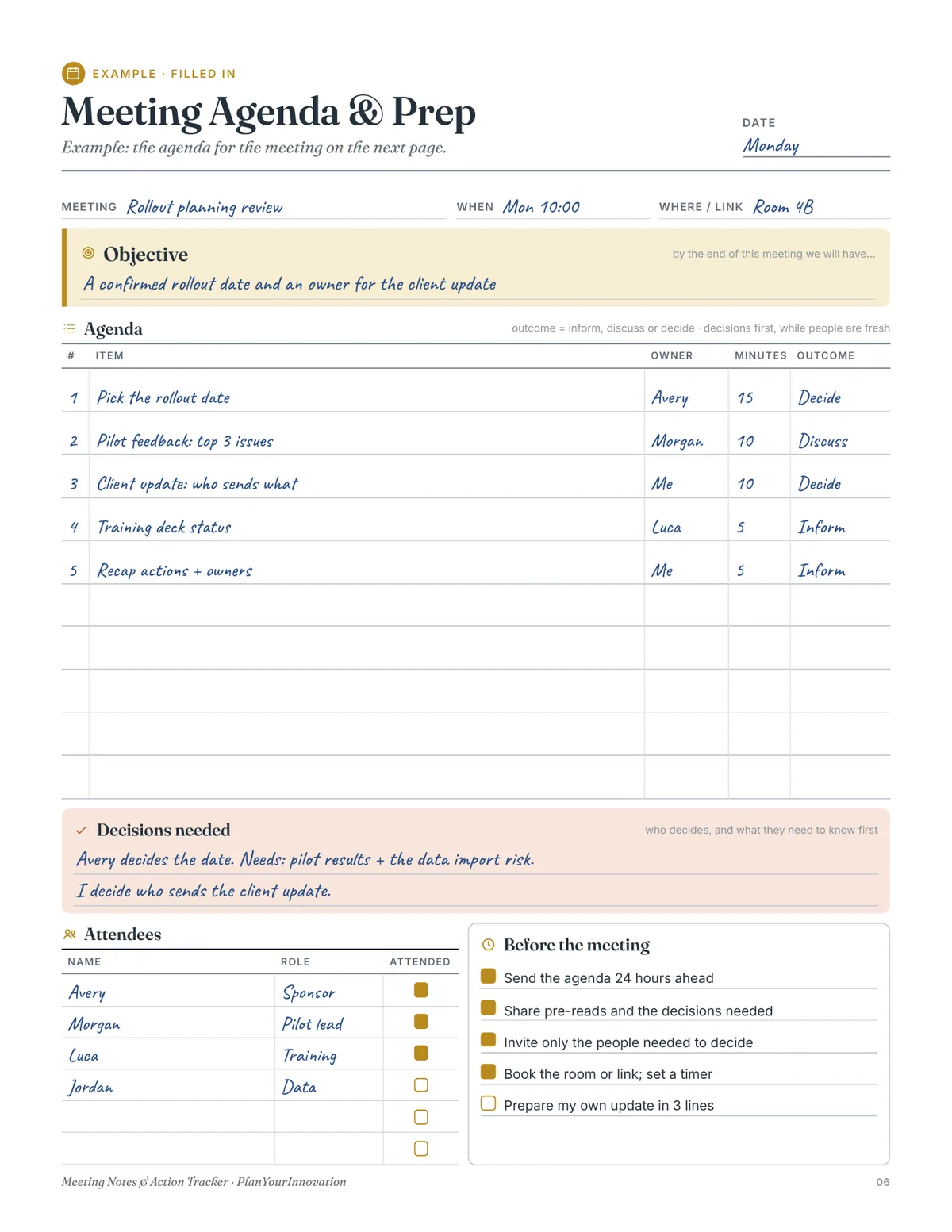
The problem: Agendas get written five minutes before the meeting, or not at all. How it helps: The Agenda & Prep page asks one question per box (objective, items, owner, minutes, outcome, decisions needed), so a clear agenda takes ten minutes.
The problem: Meetings end with nods instead of owners. How it helps: Meeting Capture has a promises table with an owner, a due date and a check-back date for every action.
The problem: Promises from five different meetings get lost across five pages of notes. How it helps: The Follow-Through List puts every promise from every meeting in one place.
The problem: You're waiting on other people and forget to chase. How it helps: The Waiting On page records who has the next move and when you'll check back.
Templates that help
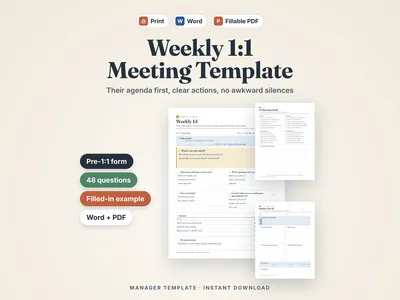
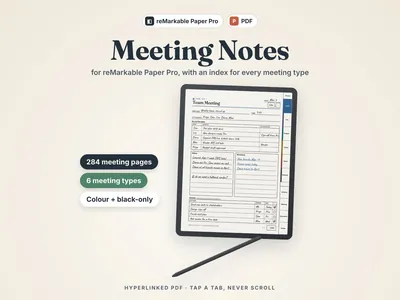
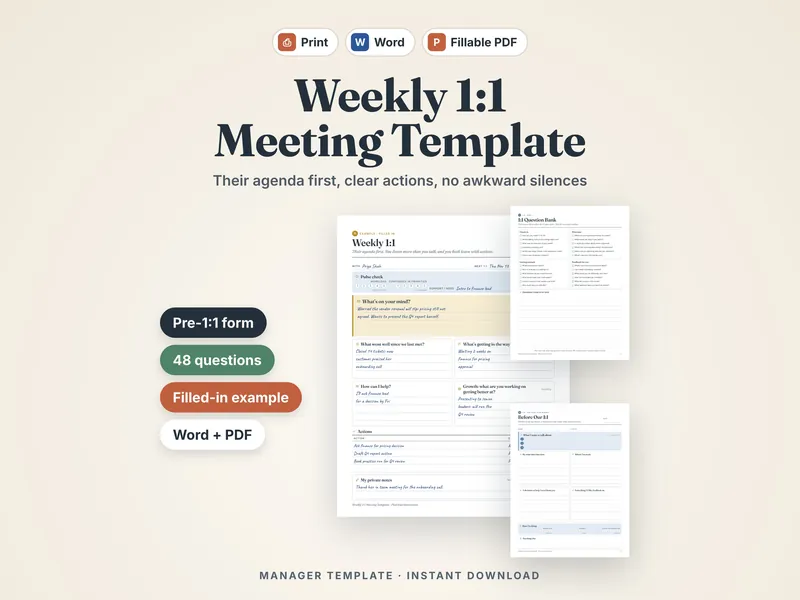
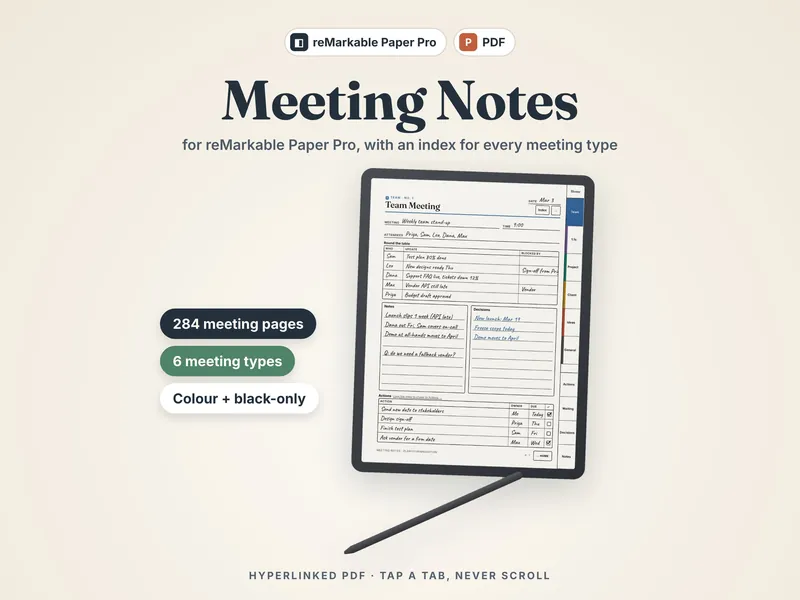
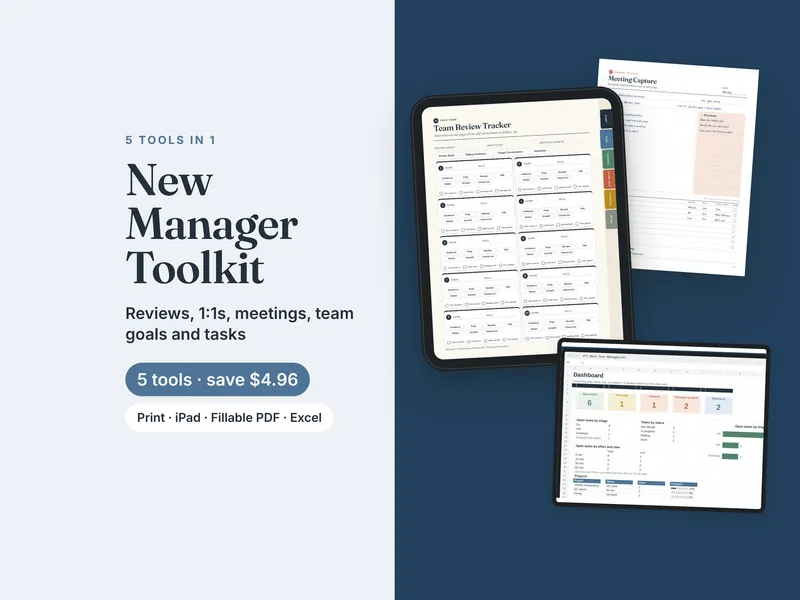
The Meeting Notes & Action Tracker has a Meeting Agenda & Prep page with exactly these parts: objective, items with owner, minutes and outcome, decisions needed, attendees and a before-the-meeting checklist. A Meeting Capture page then records decisions and a promises table, and a Follow-Through List keeps actions from every meeting in one place, with filled-in examples. For one-on-ones, the Weekly 1:1 Meeting Template puts their agenda first and includes a question bank. Taking notes on an e-ink tablet? The Meeting Notes for reMarkable Paper Pro has 284 hyperlinked meeting pages in six types. See all our meeting notes templates.
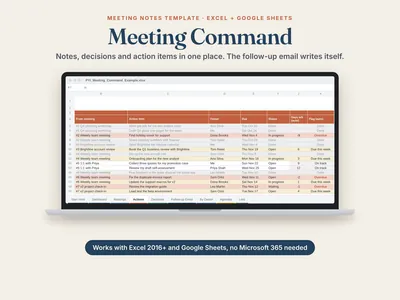
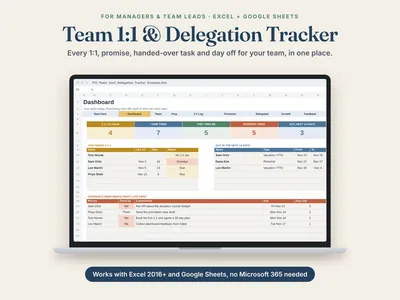
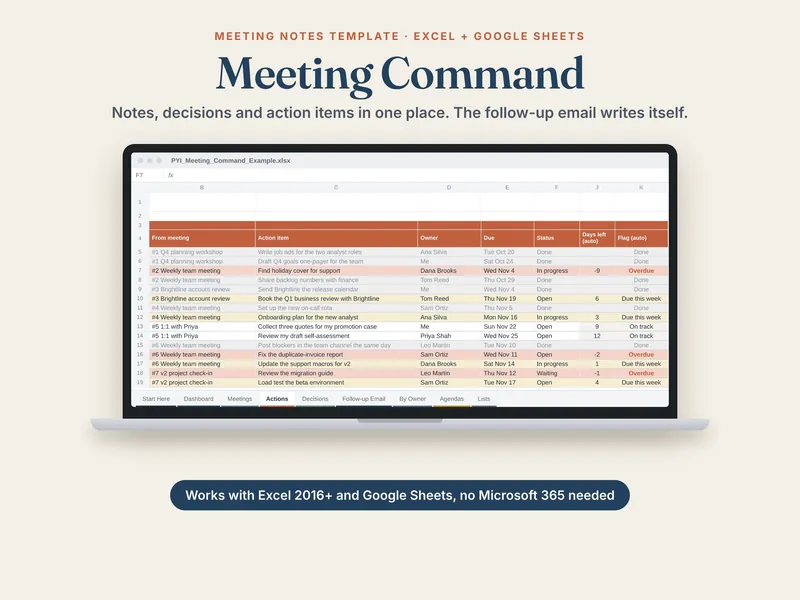
Want the decisions and actions from each meeting in a spreadsheet? Meeting Command logs every meeting in Excel or Google Sheets, gives each action one owner and one date, writes the follow-up email for you and shows what's overdue on a dashboard.
Free printable
Plan the week around fewer, better meetings
Get my free One-Page Work Week: three outcomes, one row a day and a five-minute Friday review, so meetings fit around the work that matters.
284 hyperlinked meeting pages in six color-coded types (team, 1:1s, project, client, brainstorm and general), each with its own layout and index, plus Actions, Waiting On and a Decision Log.

 By