When half your week is already booked, a to-do list isn't a plan. It's a wish list. This guide is the 20-minute routine I use to turn it into a week you can actually finish: three outcomes, an honest look at your time, and focus blocks that survive the calendar. There are more than 25 examples you can copy, and the page it's built around, the One-Page Work Week, is free.
What a weekly work plan needs (and what it doesn't)
A good weekly plan answers four questions: what has to be true by Friday, how much time you really have, when the important work will happen, and what you're deliberately not doing. That's it. It doesn't need every task you'll touch, a color for every project, or an hour-by-hour schedule made on Monday that's wrong by Tuesday lunch.
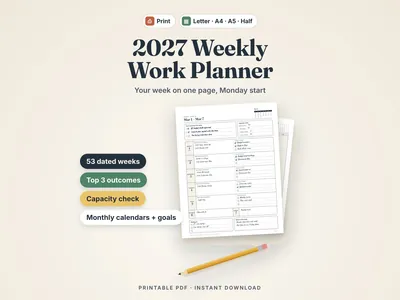
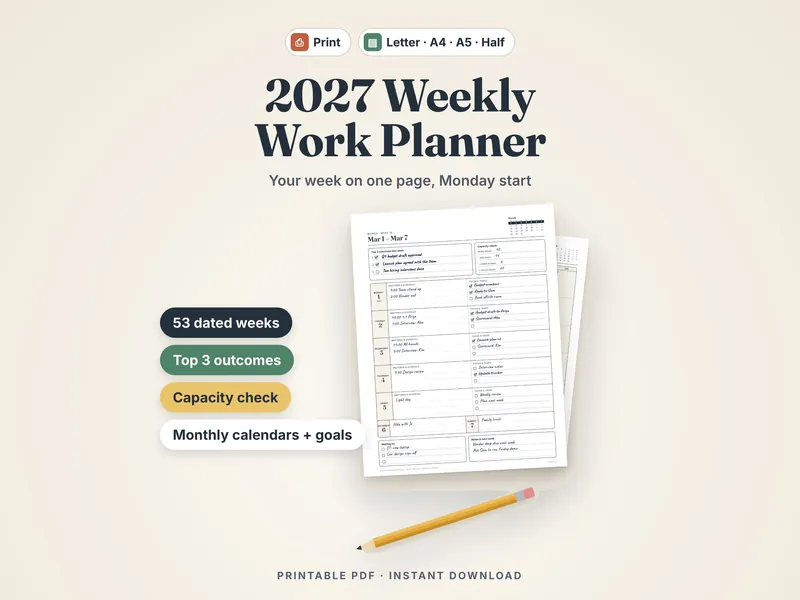
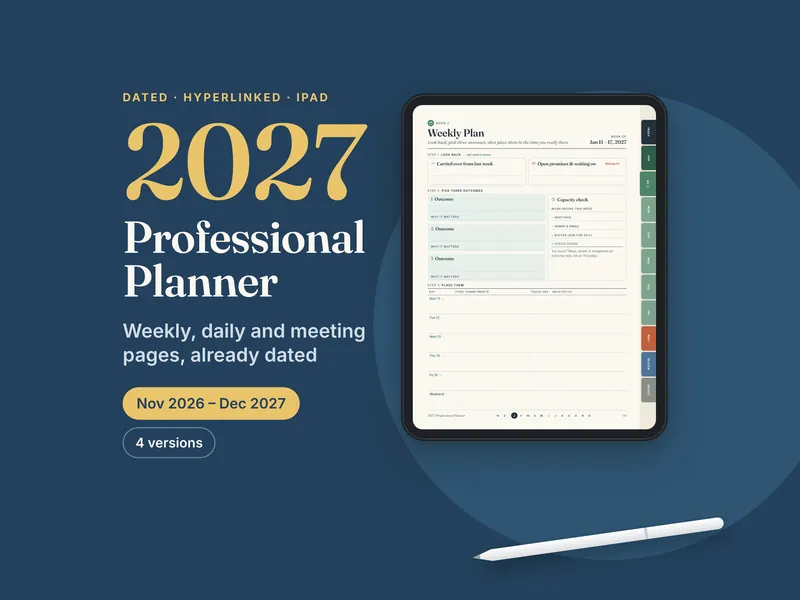
If you'd rather fill in a page than build your own, the free One-Page Work Week has a box for each of these. The dated, year-long version is the 2027 Weekly Work Planner.
When should you plan your work week?
Friday afternoon or first thing Monday. Friday has one big advantage: last week is still fresh, you know exactly what slipped, and you start Monday with a decision already made instead of an inbox. Monday works better if your weeks are set by a Monday meeting you can't predict.
Whichever you choose, put 20 minutes in your calendar as a recurring meeting with yourself, and treat it like a meeting with your manager. The routine below takes about that long once you've done it twice.
Step 1: Empty your head (5 minutes)
Write down everything on your mind about work: tasks, follow-ups, things you're waiting on, ideas and worries. Don't sort anything yet. Most weekly plans fail because of the work that was never written down, so check these places before you move on:
Last week's plan: anything not done.
Your sent email: anything you said you'd do.
Meeting notes from the past week: actions with your name on them.
Chat messages you starred, flagged or reacted to and meant to come back to.
Next week's calendar: meetings you need to prepare for.
Deadlines in the next two weeks, not just this one.
Things you're waiting on from other people.
Your manager's last few messages: what they asked about twice.
Anything that's been nagging you, even if it isn't urgent.
Step 2: Choose three outcomes (5 minutes)
Look at the list and ask: if I only finished three things this week, which would make the biggest difference? Write them as outcomes, not activities. An outcome is something that's either done or not done on Friday. An activity is something you can do all week and still not finish.
Everything else on the list gets one of four labels: schedule it, hand it off, park it for later, or drop it. Parking something is a decision, not a failure. Here are examples you can adapt, grouped by the kind of week you're having.
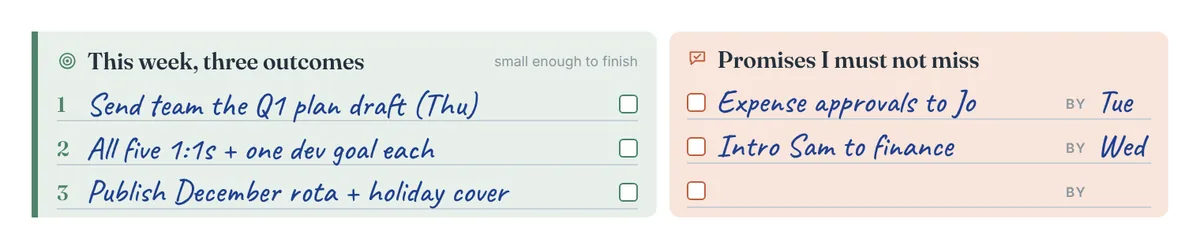
Three outcomes and two promises, written so each one is clearly done or not done by Friday.
Weekly outcome examples: vague vs clear
For managers and team leads
Instead of "work on Q1 planning", write "send the team a one-page Q1 plan draft by Thursday".
Instead of "1:1s", write "hold all five 1:1s and agree one development goal with each person".
Instead of "hiring", write "finish the job description and get it approved by HR".
Instead of "sort out the rota", write "publish December's rota and confirm holiday cover".
Instead of "performance reviews", write "draft reviews for Sam and Priya, with three examples each".
For project leads
Instead of "project update", write "send the status report with a clear amber or green by Friday 3 pm".
Instead of "vendor stuff", write "get signed quotes from two vendors".
Instead of "look at risks", write "agree owners for the top three risks at Tuesday's meeting".
Instead of "launch prep", write "finish the launch checklist and book the go/no-go meeting".
For individual contributors
Instead of "budget", write "send the Q4 budget to finance".
Instead of "write the report", write "get the first full draft of the report to my manager".
Instead of "inbox zero", write "answer the three customer escalations from last week".
Instead of "learn the new tool", write "build one real dashboard in the new tool and share it".
Instead of "presentation", write "rehearse the board slides once with a colleague".
For a job search or a career move alongside work
Instead of "job hunting", write "send three tailored applications".
Instead of "update my résumé", write "rewrite my last two roles with one number each".
Instead of "network more", write "message two former colleagues about their companies".
Step 3: Check your real capacity (3 minutes)
This is the step most people skip, and it's the reason most weekly plans fail. Count the hours of meetings already on your calendar. Take your working hours, subtract the meetings, then take off about a fifth for email, interruptions and surprises. What's left is your real focus time.
Example: 40 hours, minus 18 hours of meetings, minus 4 hours of buffer, leaves 18 hours. If your three outcomes need 25 hours, something has to move now, not on Thursday night. Move a deadline, shrink an outcome, decline a meeting or ask for help while there's still time to do it politely.
A quick guide to what different weeks look like:
Light week (under 10 hours of meetings): three outcomes plus one stretch goal.
Normal week (10 to 20 hours): three outcomes, nothing extra.
Heavy week (20 to 28 hours): two outcomes, and protect the focus blocks hard.
Brutal week (28+ hours, or a launch, or travel): one outcome, and say so to your manager on Monday.
Step 4: Block focus time for each outcome (5 minutes)
Put each outcome on your calendar as a focus block, ideally 60 to 90 minutes, at the time of day you do your best thinking. Name the block after the outcome, not the project, so future you knows exactly what to do when it starts. Leave the gaps between meetings for small tasks, email and follow-ups.
Block names that work, vague vs clear:
Instead of "Focus time", name it "Q4 budget: finish forecast tab".
Instead of "Admin", name it "Approve expenses + timesheets (30 min)".
Instead of "Project X", name it "Project X: write risks section".
Instead of "Reviews", name it "Sam's review: evidence list".
Instead of "Prep", name it "Prep Thursday board slides: numbers only".
Instead of "Catch up", name it "Reply to 3 customer escalations".
How to time block your work week
Time blocking means giving each part of your day a job on your calendar, instead of working from a list and hoping there's time. For productivity at work, you don't need to block every minute. Start small:
Block your three outcomes first, as focus blocks of 60 to 90 minutes.
Add one 30-minute block a day for email and messages, so they stop eating your focus time.
Leave the gaps between meetings for small tasks and follow-ups.
Keep one open block each afternoon for whatever comes up.
When the day changes, move the blocks, don't delete them.
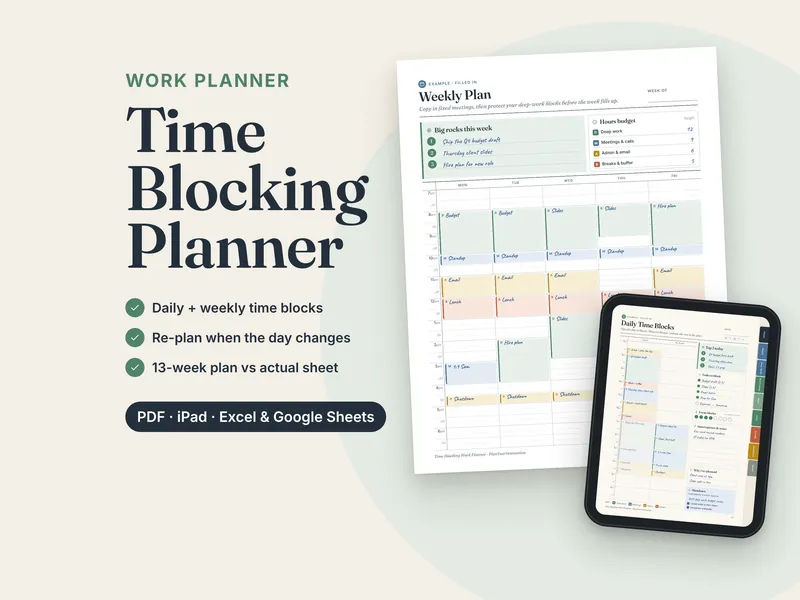
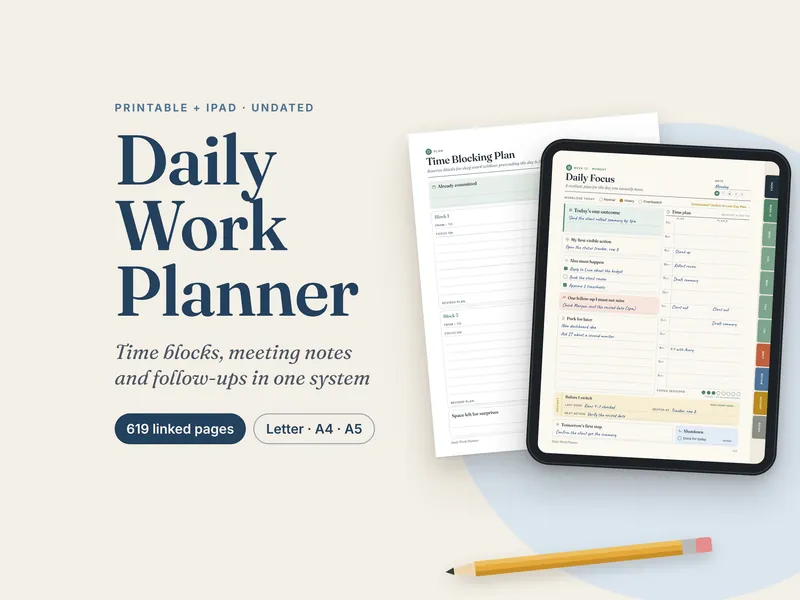
Want a page for it? The Time Blocking Work Planner has a half-hour daily time blocking template and a plan-vs-actual spreadsheet, so you can see where your week really went.
Not sure which tasks deserve a block? Sort them first with an Eisenhower matrix, then see the time blocking planner page for a full daily and weekly routine.
How do you plan a week that's mostly meetings?
If you have more than 25 hours of meetings, the plan changes shape. Your outcomes have to fit around the calendar instead of the other way round. A few things help:
Book focus blocks first thing in the morning, before the meeting day starts.
Use the 15 to 30 minutes after each meeting to write its actions down while they're fresh.
Decline or delegate one recurring meeting this week and see if anyone notices.
Ask for an agenda before accepting a meeting with no clear purpose.
Pick outcomes that can be finished in meetings: a decision made, an agreement reached, a plan approved.
Step 5: Plan each day lightly (2 minutes a day)
Each morning, write one line: the one thing that would make today a good day. Add the meetings you need to prepare for. That's enough. A detailed daily plan made on Monday is usually out of date by Tuesday. Some one-liners to copy:
"Today is good if the budget forecast tab is done."
"Today is good if I've prepped the 2 pm client call and sent the follow-up."
"Today is good if all three escalations have a reply."
"Today is good if the slides are rehearsed once."
"Today is good if I've cleared Friday's approvals by noon."
What if your week falls apart by Tuesday?
It often does. A fire drill lands, a deadline moves, someone's off sick. Don't throw the plan away. Keep the three outcomes and move the focus blocks. If one outcome is now impossible, decide on Tuesday, not Friday, and tell anyone who's expecting it. A plan that bends is still a plan. The point of planning lightly is that re-planning takes five minutes, not an hour.
Step 6: Close the week on Friday (5 minutes)
Spend five minutes looking back before you plan the next week. These questions are enough:
Want a printed page for this? The Workday Shutdown & Weekly Review helps you close the day without finishing everything and carry decisions, not piles, into next week.
Which outcomes got done?
What moved, and why?
Where did my time actually go compared with my capacity guess?
What am I waiting on, and from whom?
What's the first step on Monday?
What's one thing I'd do differently next week?
Then carry decisions into next week, not piles. For each unfinished item, pick one of four moves:
Do it: "Budget forecast: first thing Monday, 9-10:30."
Schedule it: "Process doc: moved to week of the 18th, told Jo."
Hand it off: "Vendor quotes: asked Sam to chase, check Wednesday."
Drop it: "Newsletter redesign: dropped this quarter, noted in park list."
The five-minute Friday review: what moved, what's stuck and Monday's first step.
A filled-in example week
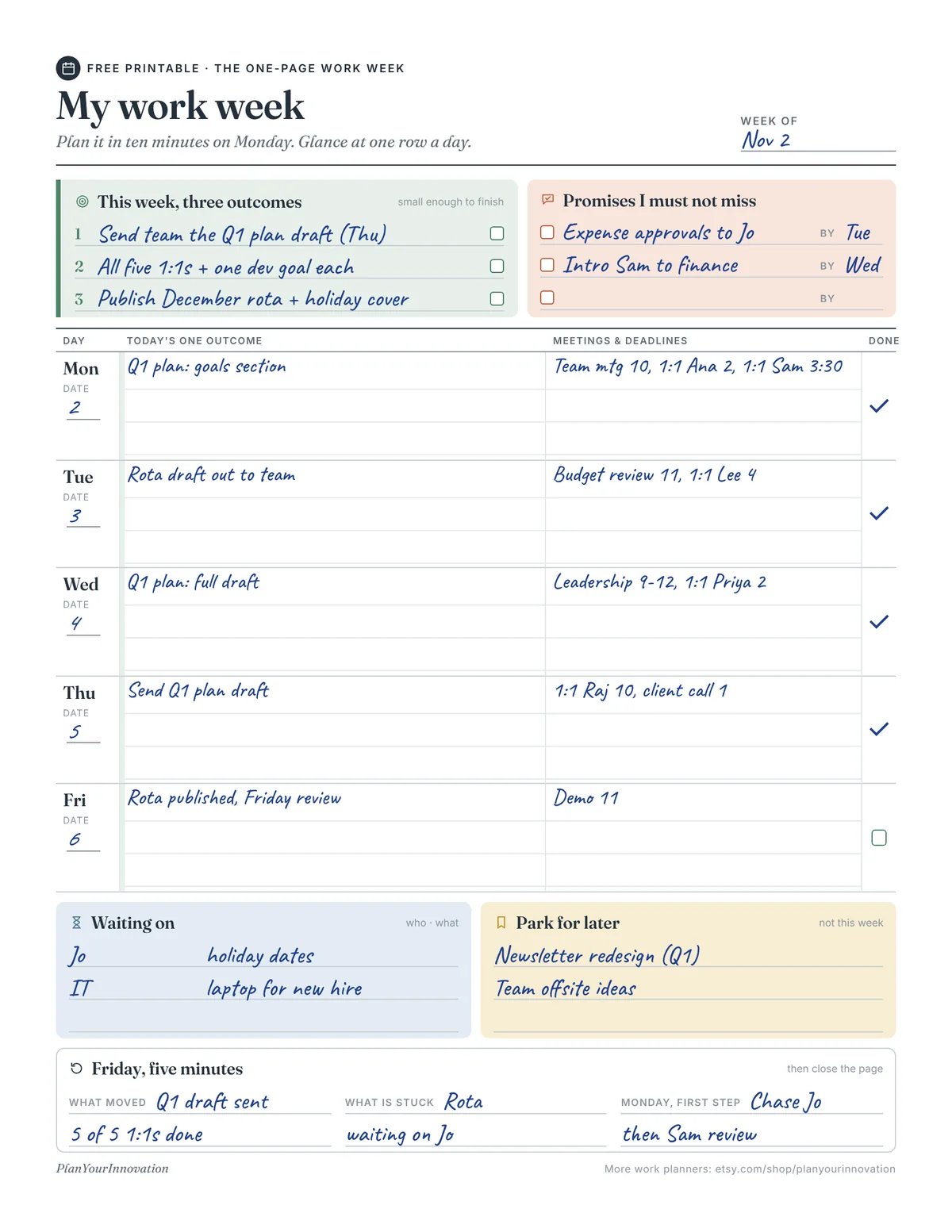
Here's what a finished plan looks like for a team lead with 19 hours of meetings: three outcomes (send the Q1 plan draft, hold all five 1:1s, publish December's rota), two promises with dates, one line per day, two people to chase and a short park list. It took about 20 minutes on Friday afternoon. Notice what isn't there: no hour-by-hour schedule, and nothing that isn't either an outcome, a promise or a decision to wait.
The point isn't a pretty page. It's that on Wednesday morning, one glance tells you whether the week is on track.
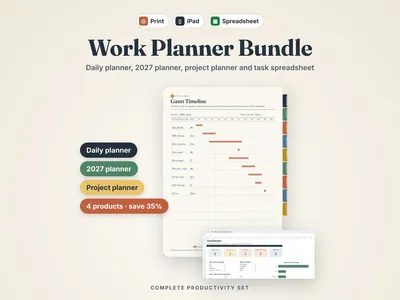
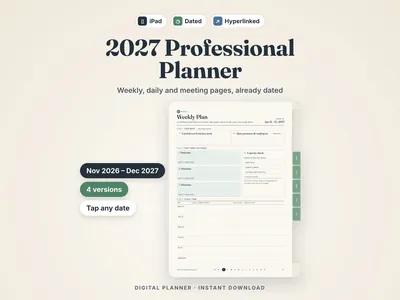
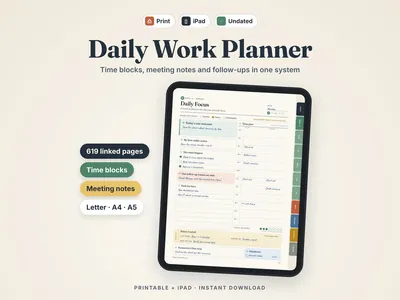
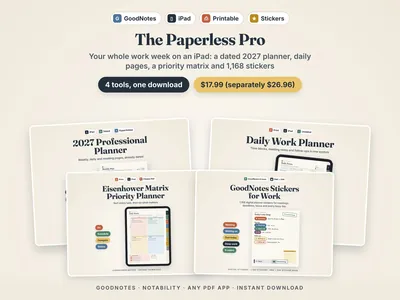
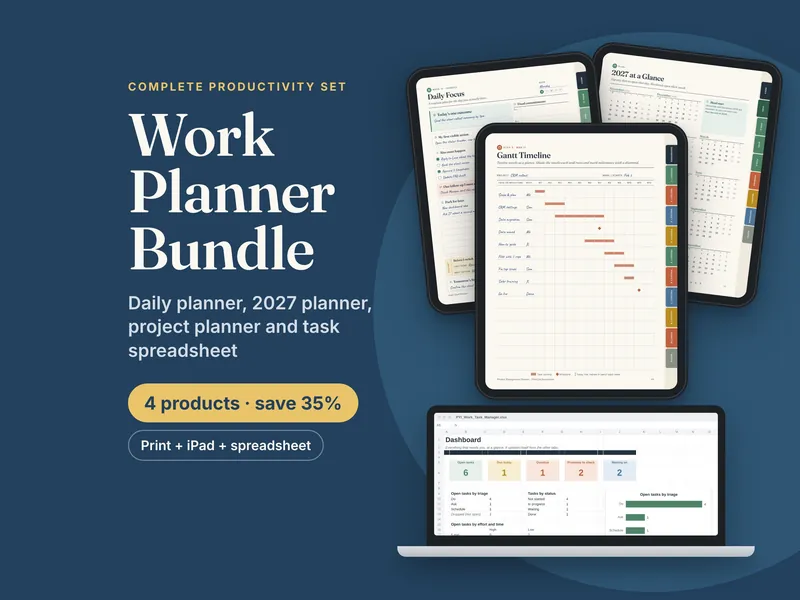
Planning on an iPad instead? The Work Planner Bundle has the 2027 Professional Planner with the Daily Work Planner, the Project Management Planner and the Work Task Manager, and Work Planner Stickers add 1,168 digital stickers for meetings, deadlines, follow-ups and focus time.
Rather plan the week on cards than on a page? The Index Card Work System prints 25 work cards and 8 tab dividers on 3x5 or 4x6 index cards, or on Letter and A4 card stock, in color-coded families for days, tasks, people, projects and reviews.
A team lead's week on the free One-Page Work Week: about 20 minutes to fill in.
Free printable: the One-Page Work Week
I made a free one-page planner for exactly this routine: three outcomes, promises you must not miss, one row a day, waiting on, park for later and a five-minute Friday review. Get the One-Page Work Week, free in Letter and A4, in color and low ink.
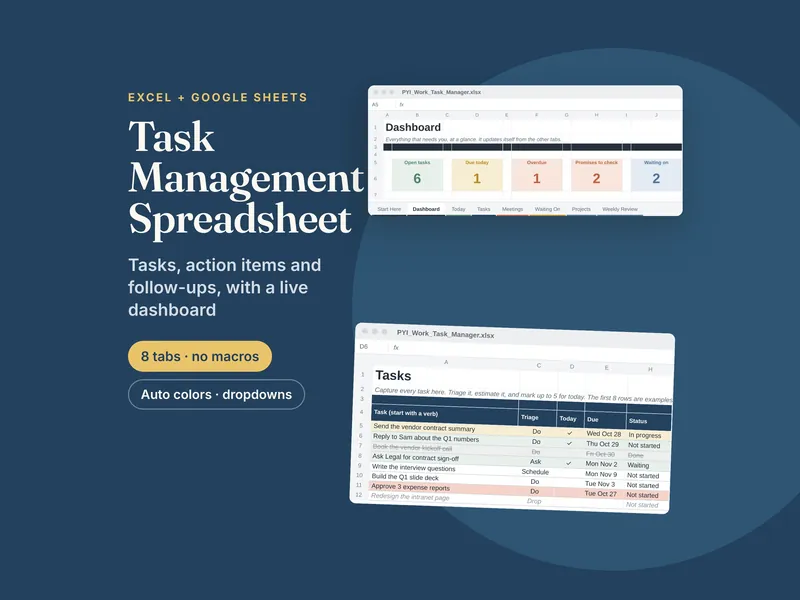
Want a full year of it? The 2027 Weekly Work Planner is the dated, printable version with a capacity check every week. For planning each day by the half hour, try the Time Blocking Work Planner. And if your tasks live in a spreadsheet, the Work Task Manager puts each task on a Today list, a week view and a month calendar automatically.
Not sure which tasks deserve a block? Sort them first with an Eisenhower matrix, then see the time blocking planner page for a full daily and weekly routine.
Want the whole system in one download? The Time Management Planner Set has four planners that work together: a 12-week goal planner, the 2027 weekly planner, an Eisenhower priority planner for each morning and a time blocking planner.
Free printable
Plan your whole work week on one page
Get my free One-Page Work Week, the page this guide is built around: three outcomes, one row a day and a five-minute Friday review.
Only if it helps you relax. Friday afternoon is usually better: last week is fresh, and you start Monday with a plan instead of an inbox.
How many tasks should I plan per day?
One main outcome and three to five small tasks is plenty on a meeting-heavy day. If your daily list is longer than that, most of it belongs on the weekly list instead.
What's the difference between a weekly plan and a to-do list?
A to-do list holds everything. A weekly plan picks the few things that matter, checks them against the time you really have, and puts them on the calendar.
Paper or digital?
Whichever you'll actually open. Many people plan the week on paper and keep the full task list in a spreadsheet or app.
How long should weekly planning take?
About 20 minutes once it's a habit, plus 5 minutes for the Friday review. The first couple of times take longer because of the brain dump.
What is time blocking?
Planning your day as blocks on your calendar, each with one job, such as "Q4 budget: finish forecast tab". It works best for the two or three things that matter most in your week.

 By