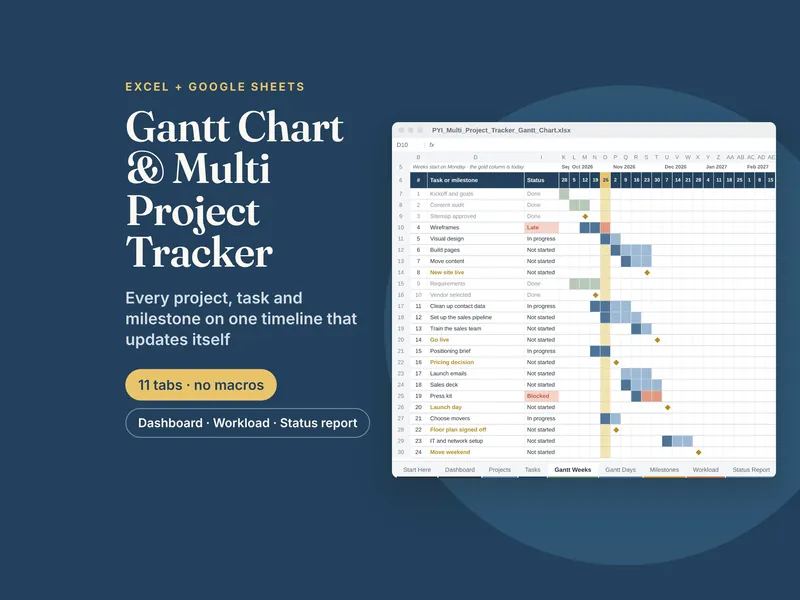
Multi Project Tracker & Gantt Chart
List projects and tasks once, and the Gantt chart, dashboard, team workload heatmap, milestones and status report fill themselves in. No macros.
- Excel
- Google Sheets
$12.99View on Etsy →
Project management
Enter your projects and tasks once, with a start date, an end date and % done. The Gantt chart draws itself, and the dashboard, team workload, milestones and status report fill in from the same data. No macros, no add-ins and no subscription.
The Multi Project Tracker & Gantt Chart is one spreadsheet with 11 tabs. It handles up to 25 projects and 300 tasks and milestones.
Some parts of a project are easier to think through on paper: the one-page project brief, the RACI chart and the risks. The Project Management Template & RACI Planner covers those as printable and iPad pages. The Project Management Bundle includes both, plus meeting notes and a personal task manager, for less than buying them separately.
The templates
List projects and tasks once, and the Gantt chart, dashboard, team workload heatmap, milestones and status report fill themselves in. No macros.
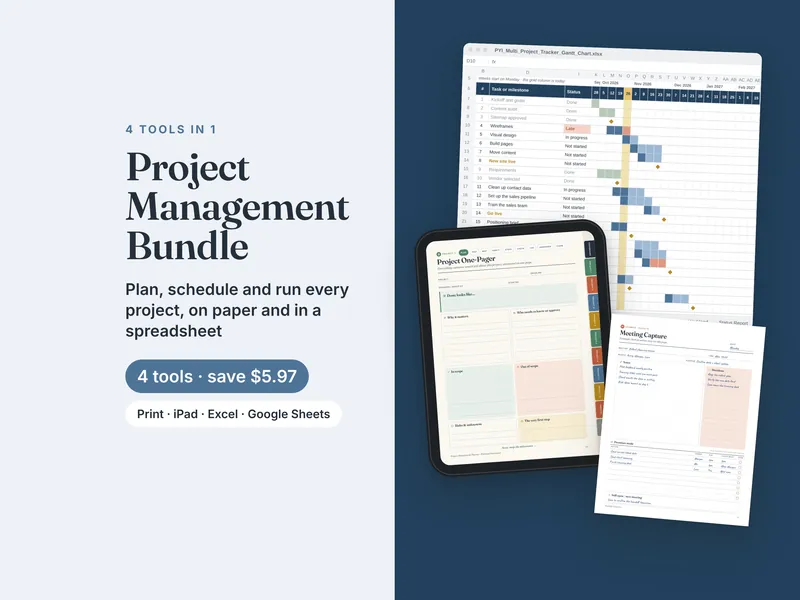
Plan each project, schedule every task on a Gantt chart, run the meetings and keep your own task list under control. Four tools in one download.
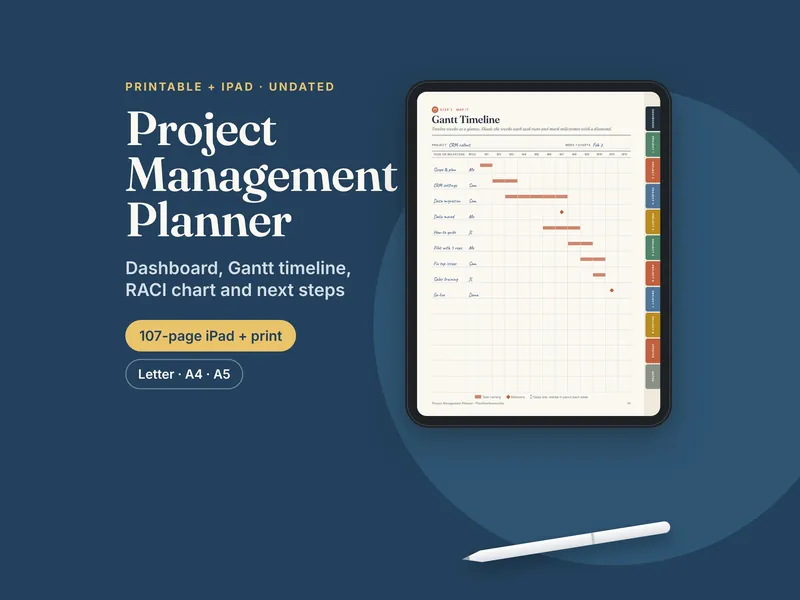
Project dashboard, one-pager, RACI chart, milestone map and a 12-week Gantt page, printable or on a linked iPad planner.
Questions
Yes. It works in Excel and Google Sheets with no macros or add-ins, so it also opens on locked-down work computers.
Yes. You get a blank copy and an example copy with 4 projects filled in.
In Google Sheets you can share the file with your team. The license covers one buyer's own work.