Which project management templates do you need?
Match the template to the stage of the project:
- Start: a project charter (one-pager) and a RACI chart, so everyone agrees on the goal and who decides.
- Plan: a milestone map and a Gantt chart, so the dates and owners are visible.
- Run: a task tracker or Kanban board, a weekly check-in and meeting notes with action items.
- Report: a short status report that leads with any decision you need.
- Close: a close-out checklist and a retro, so the next project goes better.
RACI chart template
A RACI chart lists each deliverable and who is Responsible (does the work), Accountable (owns the outcome and signs off, only one person), Consulted (asked before) and Informed (told after). Here's a short example for a fictional CRM rollout:
- Choose the vendor: R Priya (ops lead), A Dana (sponsor), C finance and sales, I the whole team.
- Move the customer data: R Sam (analyst), A Priya, C IT, I sales.
- Train the sales team: R Alex (trainer), A sales manager, C Priya, I Dana.
- Go-live decision: R Priya, A Dana, C IT and sales, I everyone.
A project charter doesn't need to be ten pages. The Project One-Pager in the same planner asks for what done looks like, why it matters, who approves, what's in and out of scope, the top risks and the first step. If it doesn't fit on one page, the project isn't clear yet.
Project management Gantt chart template
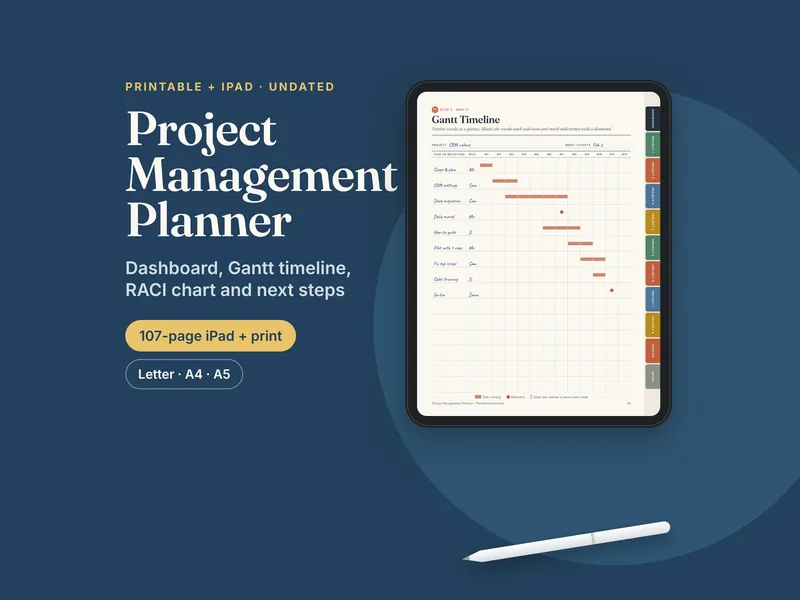
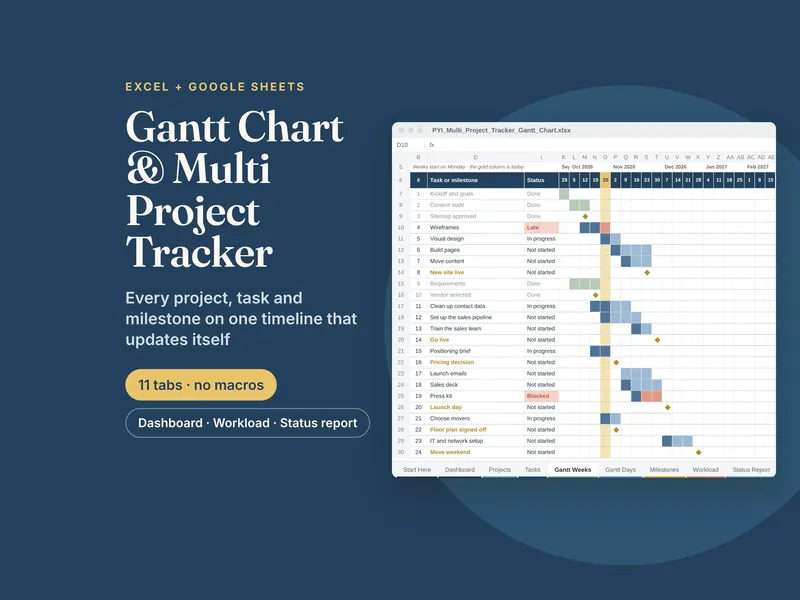
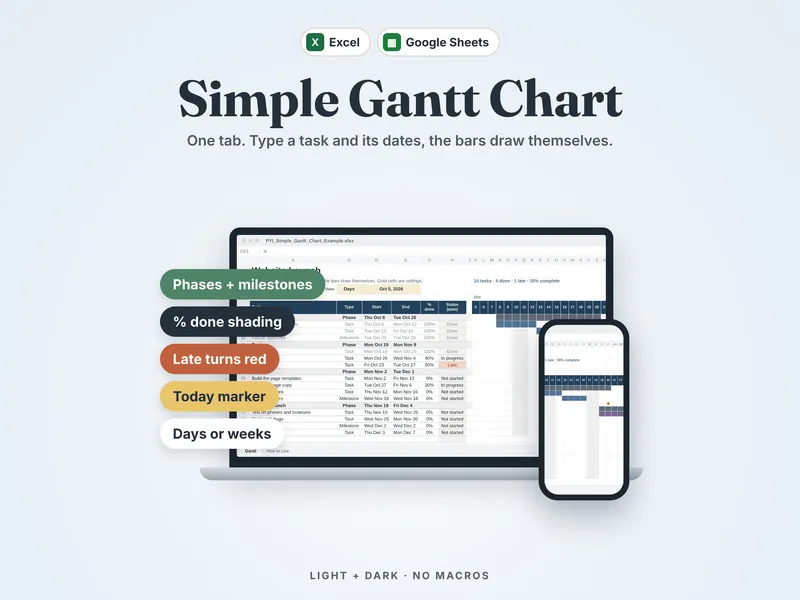
For a printable plan, the planner has a 12-week Gantt Timeline with an owner for each task and diamonds for milestones. For bigger projects, the Project Planner Spreadsheet runs up to 1,000 tasks in Excel or Google Sheets: one task list drives the Gantt chart, a month calendar, a Kanban board and a status report. Want a single tab? The Simple Gantt Chart draws the bars as you type. See the Gantt chart template page for a side-by-side comparison.
Project status report template
A good status report leads with the decision you need, then gives the status in one line, what's done, what's next and the risks. The Project Planner Spreadsheet builds a status report tab from your task list, and the planner's Stakeholder Update Plan has a three-line status update for email or chat. For examples, read how to write a project status report.
What problems do these project management templates solve?
- Nobody knows who decides. The RACI chart names one accountable person for each deliverable, before anyone disagrees.
- The goal drifts halfway through. The one-pager writes down what done looks like and what's out of scope, so you can point back to it.
- Late tasks hide until it's too late. In the spreadsheet, a task that runs past its project's target end turns red.
- Status updates take an afternoon. The status report tab and the three-line update turn your task list into a report in minutes.
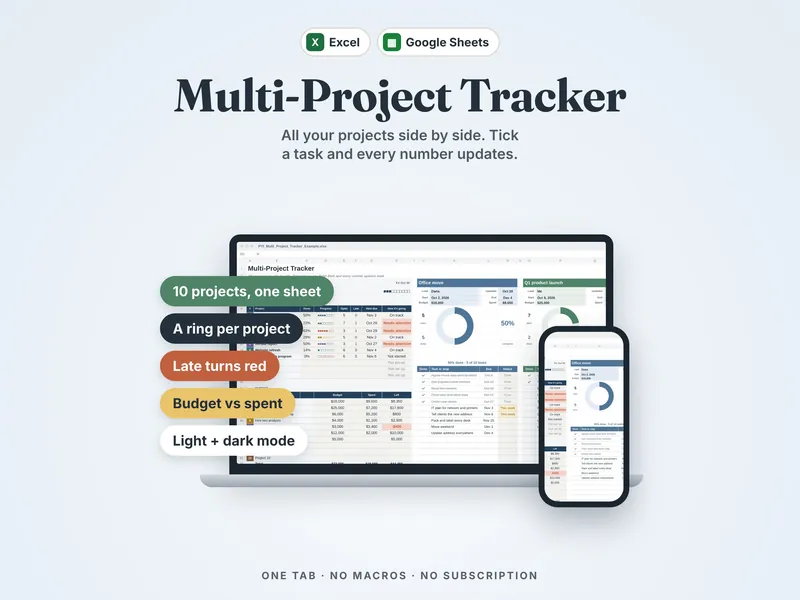
- You run several projects at once. The Multi-Project Tracker shows up to 10 projects side by side, with progress, late flags and budget.
Which one should you pick?
Run projects on a reMarkable? Project Command for reMarkable puts up to 12 projects in one undated notebook: a portfolio dashboard, then a charter, plan, tasks, kanban board, meeting notes, risk log and status reports for each project, on 293 linked pages.
- One project, planned on paper or an iPad: the Project Management Template & RACI Planner.
- Many tasks and a team to report to: the Project Planner Spreadsheet.
- Several small projects at a glance: the Multi-Project Tracker.
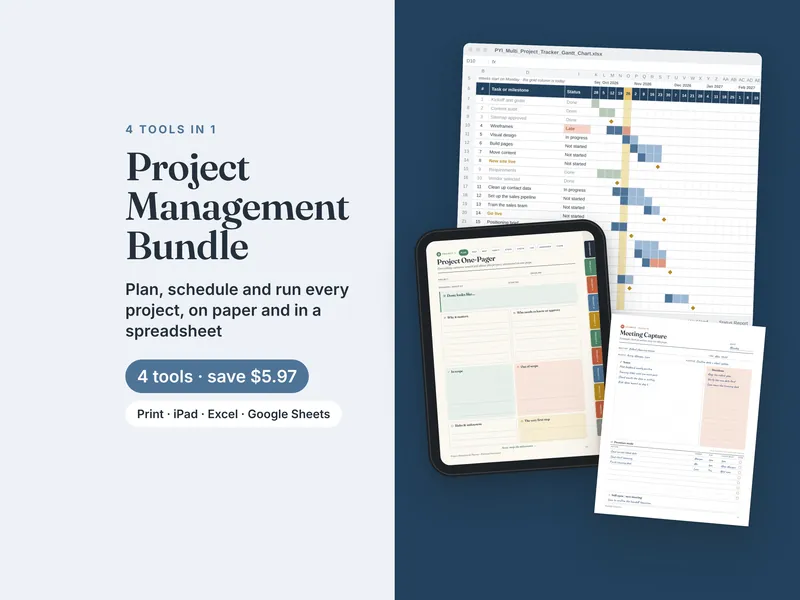
- All of it, plus meeting notes and a task manager: the Project Management Bundle, four tools in one download.