A brag document is a running list of what you did at work and why it mattered. It sounds boastful. It isn't. It works for any job, not just engineers: sales, support, finance, operations, design or teaching. It's a memory aid, and it's the single easiest way to stop underselling yourself at review time. This guide shows what to put in one, 25+ example entries you can copy, and how to turn it into review answers. If you want to start right now, my free Self-Review Brag Doc is a printable and Word template that follows the same steps.
A brag document (also called a brag doc, brag sheet, wins log or hype doc) is a private list of your work wins, kept as they happen. Each entry has three parts: what you did, what changed because of it, and where the proof lives. The idea was popularised by software engineer Julia Evans, and it works in any job, not only tech.
The reason it matters is simple. Your manager has a whole team to remember, and you have a whole year. By review season, most people can remember the last two months clearly and almost nothing from spring. A brag document fixes that with about five minutes a week.
Brag sheet vs brag document
A brag sheet is usually a one-time summary: a page you fill in for a college application, a promotion case or a reference letter. A brag document is a running log you keep all year, one line at a time. At work, the document comes first: when someone asks for a brag sheet, you copy your best entries from the document and you're done in ten minutes.
Why you need one (even if you hate self-promotion)
Your self-evaluation takes an evening instead of a weekend, because the evidence is already written down.
You can answer "what were your biggest accomplishments?" with numbers, not adjectives.
It gives your manager the material to argue for your rating, raise or promotion in rooms you're not in.
It's ready when you need to update your résumé, prepare for an interview or ask for a raise.
On a bad week, it reminds you that you've done good work.
What should you put in a brag document?
Anything that would help someone understand the value of your work. Most entries fall into five types. Tagging each entry with one makes it much easier to match them to review questions later:
Results: things you delivered, shipped, sold, saved or fixed.
Process: things you made faster, cheaper, clearer or less error-prone.
Learning: skills, courses, tools and new responsibilities.
Customers: anything that made life better for a customer, internal or external.
For each entry, write one line with the result, ideally as a number ("from ___ to ___"), and note the proof: an email, a dashboard, a chat message, a ticket. Also keep exact quotes when people thank you. "Saved my week, thank you" from a director is worth more in a review than any adjective you could write about yourself.
Brag document examples: vague vs strong
The difference between a weak entry and a strong one is almost always a result and a number. Here are examples grouped by type. Copy the pattern, not the details.
Results
Vague: "Worked on the Q3 launch." Strong: "Owned the launch checklist for Q3; shipped on the planned date with zero rollback."
Vague: "Did the vendor review." Strong: "Reviewed all 6 suppliers; renegotiated 2 contracts, saving about $18,000 a year."
Vague: "Hit my targets." Strong: "Closed $240k against a $200k target, 120% for the year."
Vague: "Fixed reporting." Strong: "Rebuilt the monthly report; it now takes 1 day instead of 4."
Vague: "Helped with the audit." Strong: "Prepared 40 audit evidence files; zero findings in my area."
Helping others
Vague: "Team player." Strong: "Trained Lee and Ana on the reporting tool; both working on their own in 3 weeks instead of 8."
Vague: "Mentored juniors." Strong: "Mentored 2 graduates weekly; one was promoted in September."
Vague: "Covered for colleagues." Strong: "Covered the support rota for 3 weeks during parental leave; no missed SLAs."
Vague: "Onboarded new starters." Strong: "Wrote the new-hire setup checklist; setup went from 5 days to 2 for 14 people."
Vague: "Answered questions." Strong: "Wrote the FAQ that cut repeat questions in the team channel by about half."
Process
Vague: "Improved the workflow." Strong: "Moved approvals from email to a shared tracker; average approval time fell from 6 days to 2."
Vague: "Automated some stuff." Strong: "Automated the weekly export; saves the team about 3 hours a week."
Vague: "Cleaned up the backlog." Strong: "Cut the backlog from 120 to 35 items in 8 weeks."
Vague: "Made meetings better." Strong: "Replaced 2 status meetings with a written update; 4 hours a week back for 8 people."
Vague: "Spotted a problem." Strong: "Caught a pricing error before launch that would have meant about $12k in refunds."
Learning
Vague: "Learned SQL." Strong: "Finished the SQL course and now build my own reports instead of waiting on the data team."
Vague: "Took on more." Strong: "Took over budget tracking for the department in Q2."
Vague: "Presented." Strong: "Presented the Q3 results to the leadership team for the first time."
Vague: "Got certified." Strong: "Passed the project management certification; now running projects on my own."
Customers
Vague: "Handled escalations." Strong: "Took over the escalation queue; first replies went from 3 days to under 1."
Vague: "Good feedback." Strong: "\"Best onboarding we've had with any vendor\", from the client's ops lead, May 14."
Vague: "Kept clients happy." Strong: "Renewed all 9 of my accounts; 2 expanded."
Vague: "Improved support." Strong: "Rewrote 12 help articles; related tickets fell by 30% over the quarter."
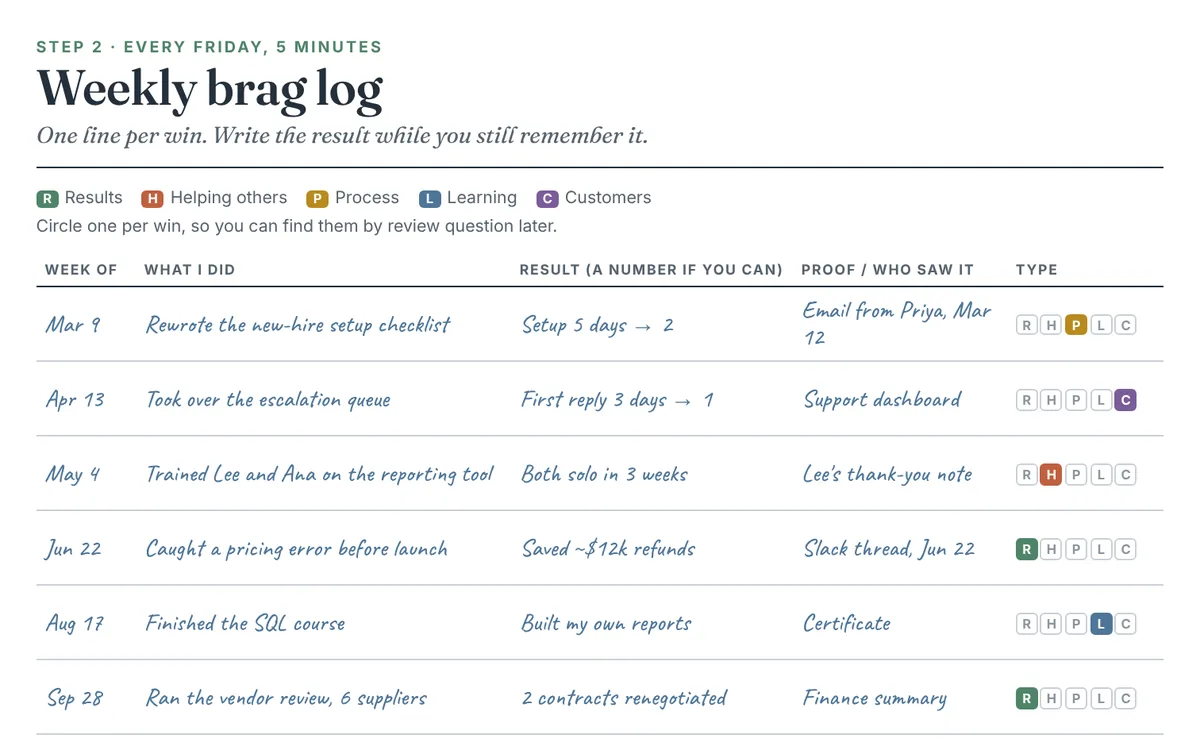
Six months of wins on one page of the free brag doc: what I did, the result, the proof and a type tag.
How do you start a brag document halfway through the year?
Backfill it once, in about 20 minutes. Open your calendar and scroll month by month, and use these memory joggers to find wins you've already forgotten. Write one line per month, even if it's small:
Calendar: which meetings were for a launch, a deadline or a problem you solved?
Sent email: search for "attached", "done", "shipped" and "live".
Thank-yous: search your inbox and chat for "thanks", "great job" and "saved".
Documents you wrote: sort your drive by "owned by me".
Tickets and tasks: filter your tracker by "closed by me".
Dashboards: which number moved because of something you did?
Fires: what broke, and what did you do in the first hour?
People: who did you train, onboard, cover for or unblock?
Process: what runs faster, cheaper or with fewer mistakes because you changed it?
Last year's goals: which ones did you hit, and which did you swap for something better?
How often should you update your brag document?
Once a week is the sweet spot. Friday afternoon works well: put a recurring five-minute block in your calendar called "brag log" and write one line per win from that week. If nothing happened, write nothing. Most weeks you'll have one or two entries. That's 50 to 80 specific, dated wins by review season.
Add kind words and numbers as they happen, though. Copy a thank-you message into the document the day you get it, because you won't find it again in October.
How do you use a brag document in your performance review?
Two weeks before your self-evaluation is due, read the whole document and pick your best entries for each review question. Then turn each into a sentence with this formula:
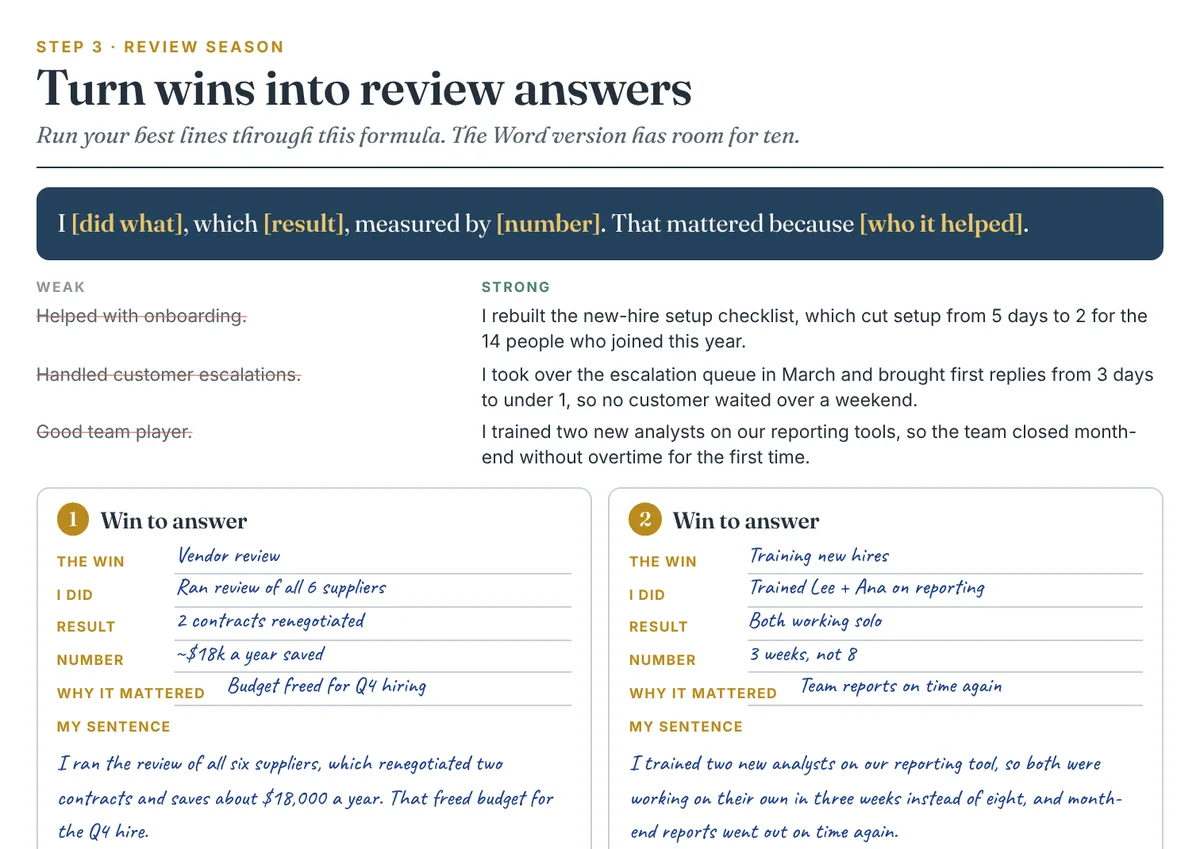
I [did what], which [result], measured by [number]. That mattered because [who it helped].
Example: "I ran the review of all six suppliers, which renegotiated two contracts and saves about $18,000 a year. That freed budget for the Q4 hire." Our guide on how to write a self-evaluation walks through the rest of the form, and the year-end review examples and questions help if you're short on material.
Your tags make the matching easy:
"What were your biggest accomplishments?": your Results and Customers entries, plus your numbers.
"How have you grown?": Learning entries and new responsibilities.
"How did you help the team?": Helping others entries and the kind words people sent.
"What did you improve?": Process entries and the problems you fixed or prevented.
"Where can you improve?": one honest lesson you logged, and what you're doing about it.
Two brag log lines turned into review answers with the formula.
Should managers keep a brag document for their team?
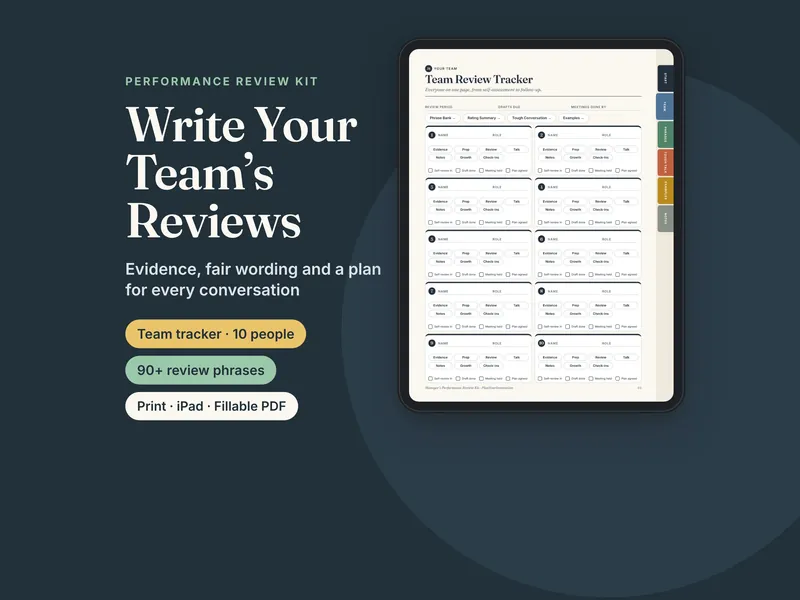
Yes, in a slightly different form. Keep a short evidence log for each person: a dated line whenever they do something worth remembering, good or bad. It's the difference between a review built on the last two weeks and one built on the whole year. Then ask each person to keep their own brag doc too. Their self-review gets better, and your write-up gets easier. Our guide on how to write a performance review shows how to use both.
Tips that keep it going
Keep your notes on a reMarkable? The Work Notebook in Ink & Impact has a weekly review page every week, a natural home for Friday's wins, next to the 2027 planner and your meeting notes.
Keep it private. It's raw notes, not a document for anyone else, so be honest and specific.
Small counts. A fixed bug, a good handover or a question answered for a new hire are all worth a line.
Write the number now. "Saved a lot of time" is weak; "cut setup from 5 days to 2" gets you the rating.
Log what went wrong too. "What I learned" answers are much easier when you wrote them down at the time.
Keep it where you'll see it: one printed page a quarter, a Word document or a note pinned in your task app.
Get the free brag document template
The Self-Review Brag Doc is free: 10 memory joggers to backfill the year in 20 minutes, a weekly brag log with type tags, a proof bank for numbers, kind words and fixes, and the sentence builder above with room for your best wins. It comes in Letter, A4 and an editable Word version that also opens in Google Docs.
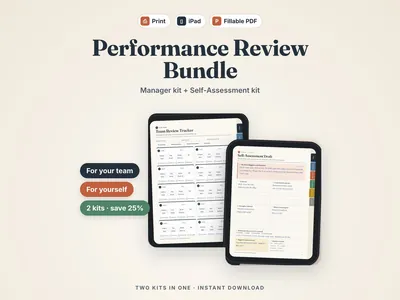
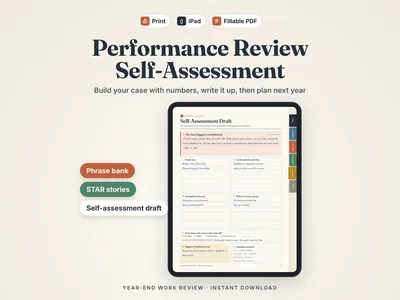
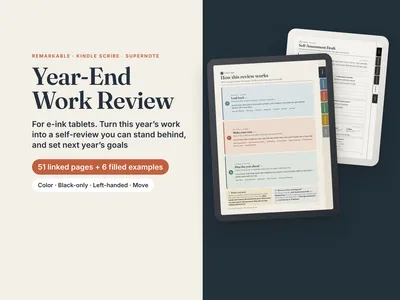
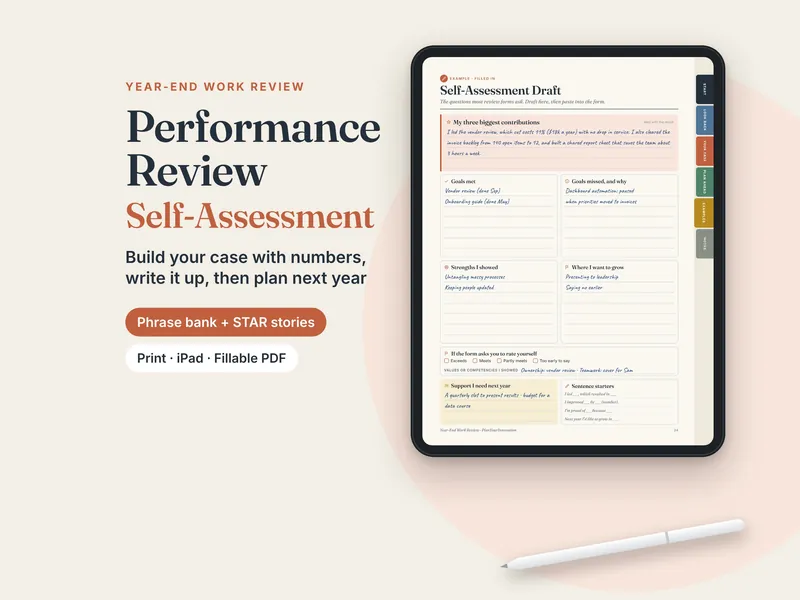
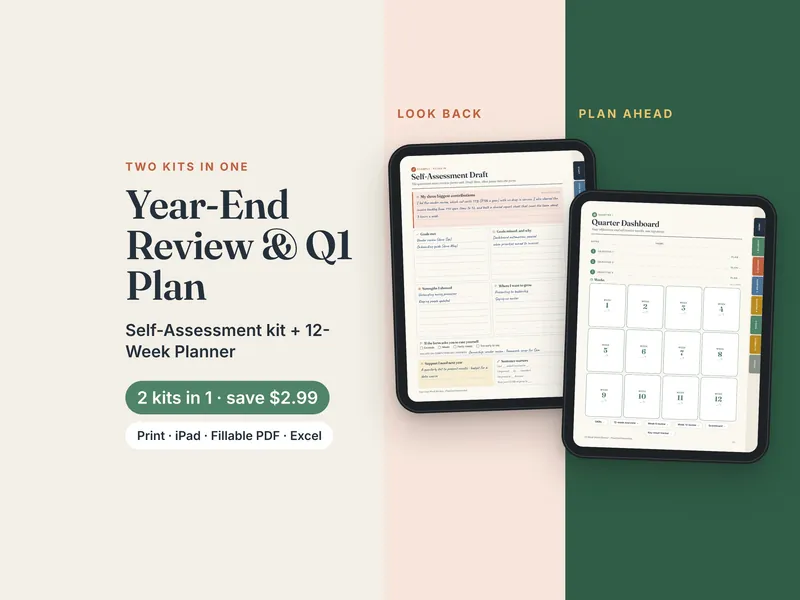
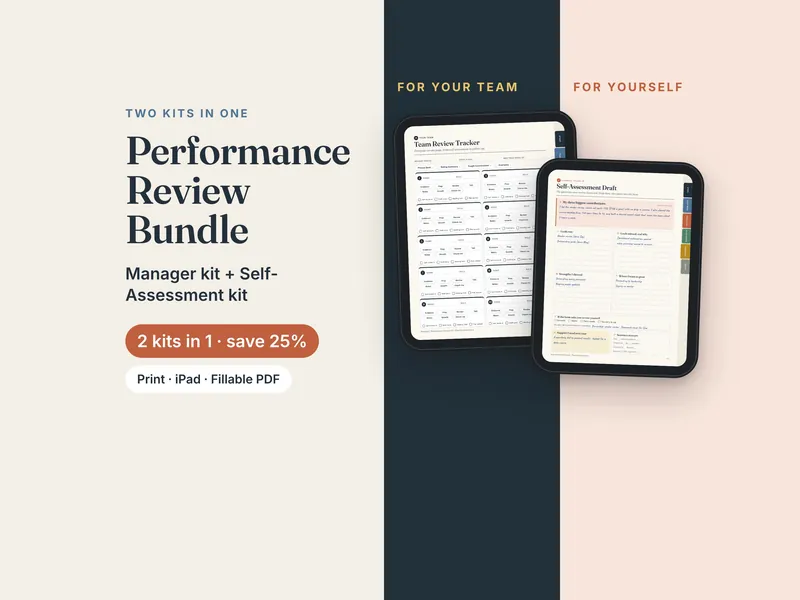
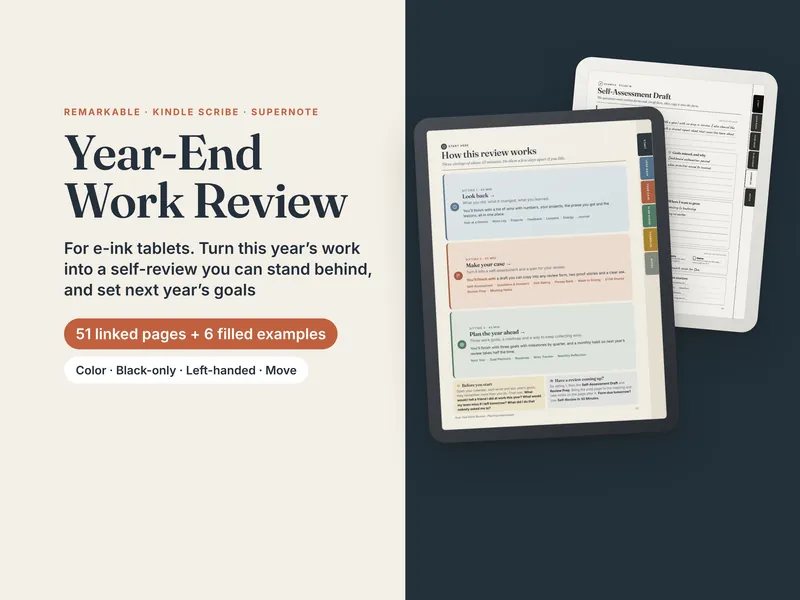
When review season arrives, the Year-End Work Review Kit takes it from there: a Self-Assessment Draft with sentence starters, a phrase bank, a STAR Story Builder and Review Meeting Prep for your ask. The Year-End Review & Q1 Plan adds a 12-week plan for your new goals, and the Performance Review Bundle adds the manager's kit if you review a team too.
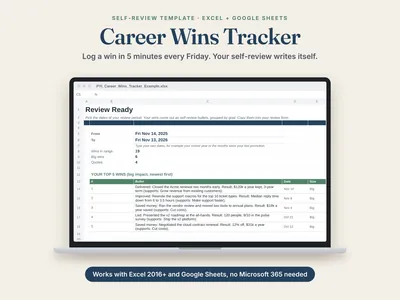
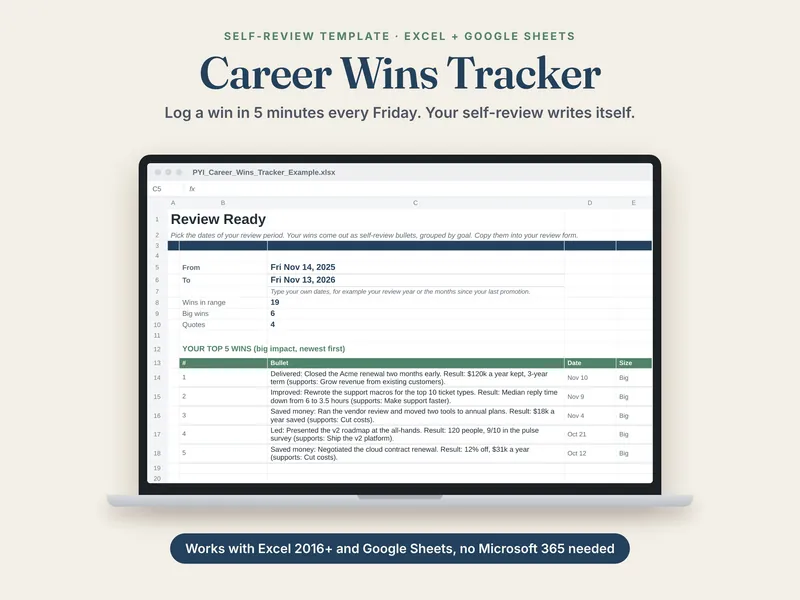
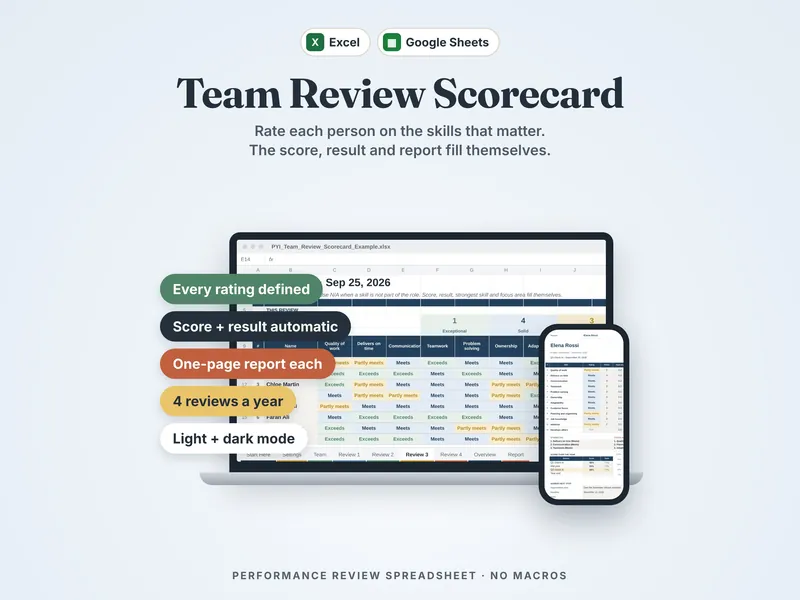
Prefer a spreadsheet to a document? The Career Wins Tracker is a brag document in Excel and Google Sheets: log a win in five minutes on Fridays, and each one becomes a review statement and a resume bullet. When review season comes, its Review Ready tab pulls your top wins and quotes onto one page.
Free download
Start your brag doc this Friday
Get my free Self-Review Brag Doc: six printable pages with prompts for wins, numbers and proof, so one line a week is all it takes.
Mostly, yes. A brag sheet is often a one-page summary made for a specific purpose, like a promotion case or a college application. A brag document is the running log you keep all year, and you build the brag sheet from it.
Should I share my brag document with my manager?
Share a summary, not the raw document. Before your review or a promotion conversation, send your top five to eight wins with numbers. Most managers are grateful for it.
Is it OK to include team wins?
Yes, as long as you say clearly what your part was. "Our team launched X; I owned the data migration" is honest and specific.
What if I don't have numbers?
Use before and after ("from weekly fire drills to none since June"), who noticed (a quote), or scale ("for 3 teams", "14 new hires"). Most work has a number hiding in it somewhere.
Google Doc, Word or paper?
Whatever you'll open on a Friday. A Word or Google Doc is easy to search later; a printed page on your desk is easier to remember. The free template comes in both.

 By