I built the New Manager Toolkit for the moment you become someone's manager and realize nobody gave you a manual. This spotlight shows what's inside, who it's for, and 12 practical ways to use it through your first year, with filled-in pages so you can see what each one looks like in real use. If you haven't read it yet, our guide to your first 90 days as a new manager is the plan this toolkit is built around.
Get the New Manager Toolkit on Etsy. It's an instant download you can start using this week.
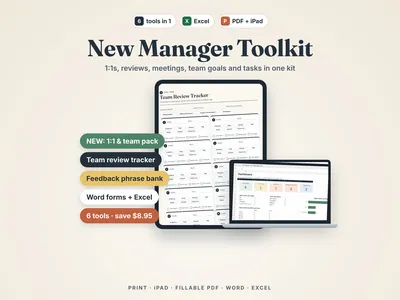
A new manager toolkit is a set of ready-made pages and spreadsheets for the jobs every manager has to do and most are never taught: running 1:1s, keeping track of promises, setting team goals, delegating, and writing reviews. Instead of building your own system in your first busy month, you start with one that already works.
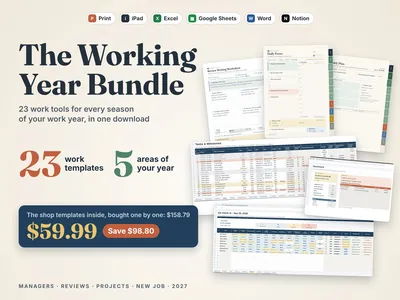
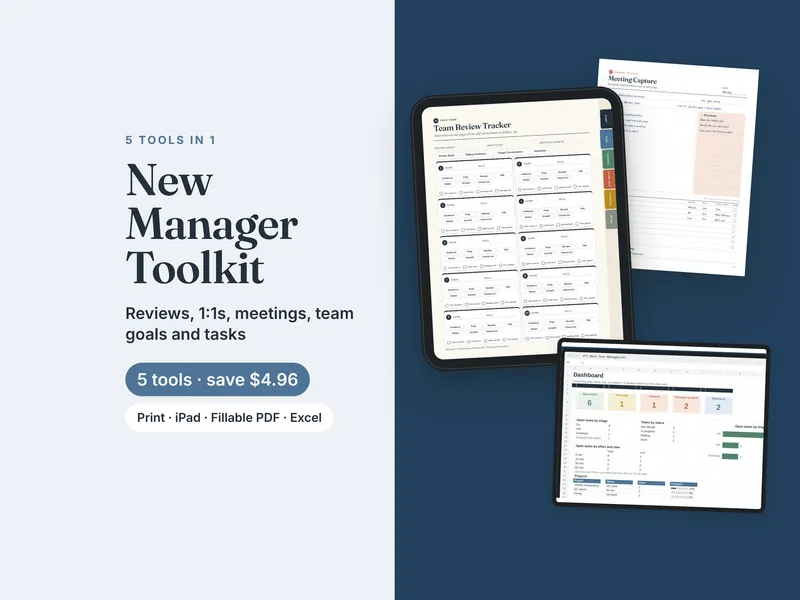
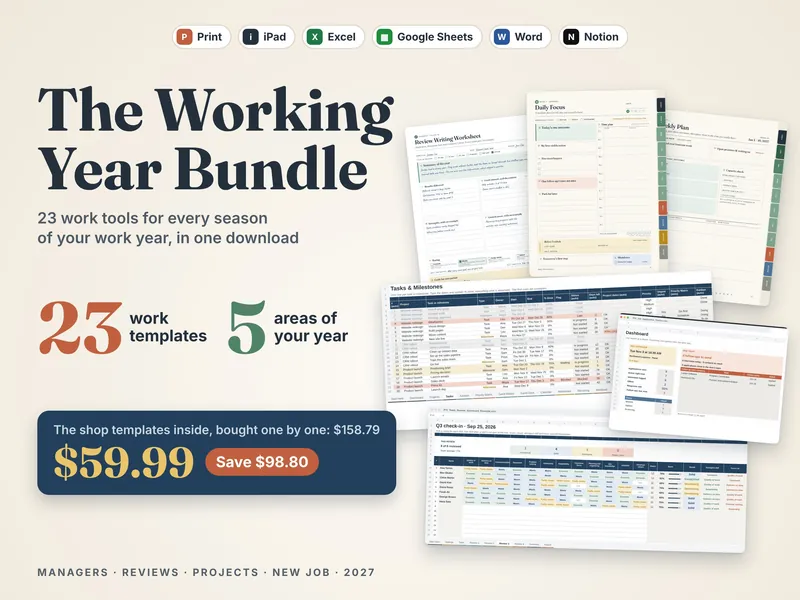
Ours is a single download with six tools. Each tool also sells on its own in the shop, and together they cost less than buying them separately.
What's inside the six tools
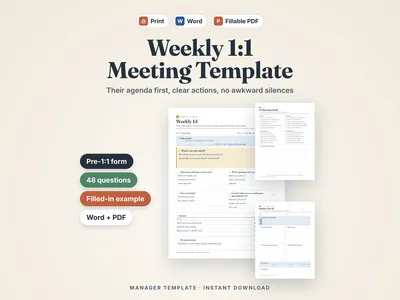
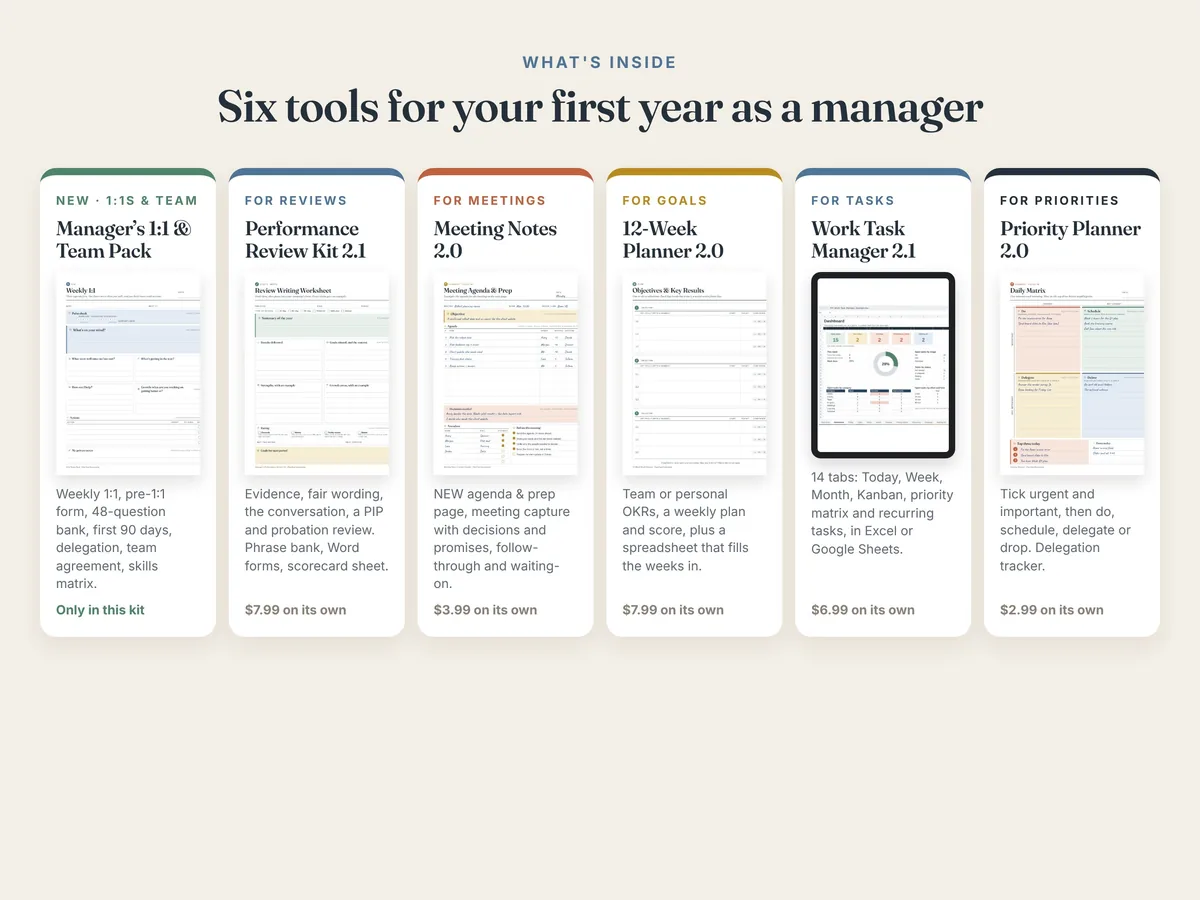
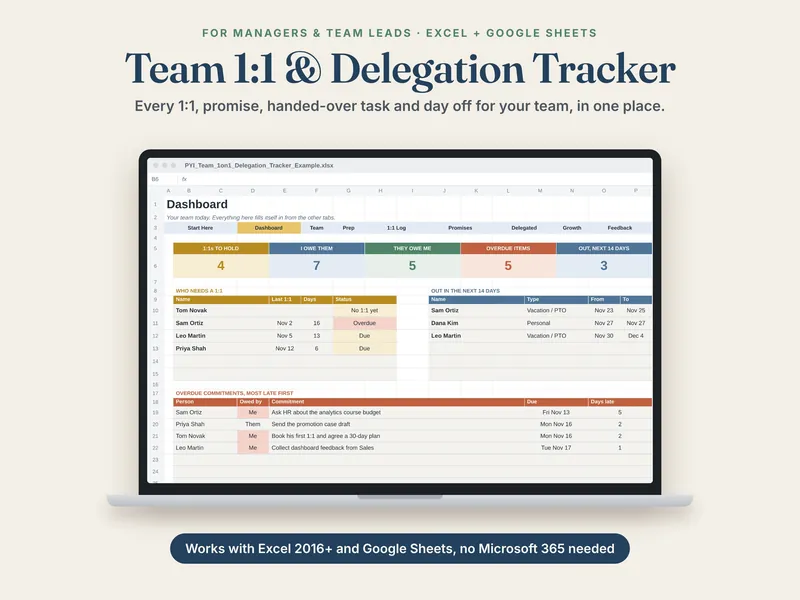
Manager's 1:1 & Team Pack (only in this toolkit): Weekly 1:1, Before Our 1:1, Our First 1:1, a 48-question 1:1 bank, a 1:1 Actions Log, My First 90 Days as a Manager, Five Conversations with My Boss, a Team Listening Tour, a Delegation Planner, a Team Working Agreement and a Team Skills Matrix.
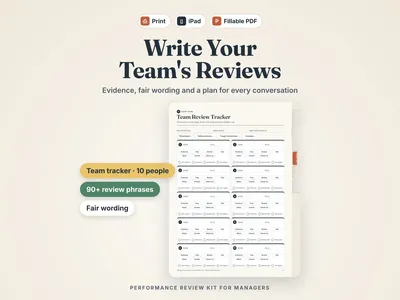
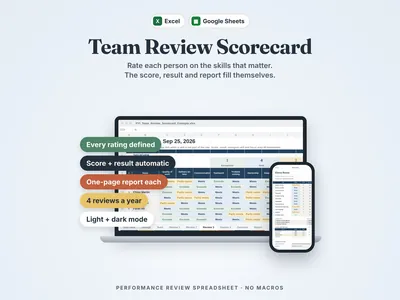
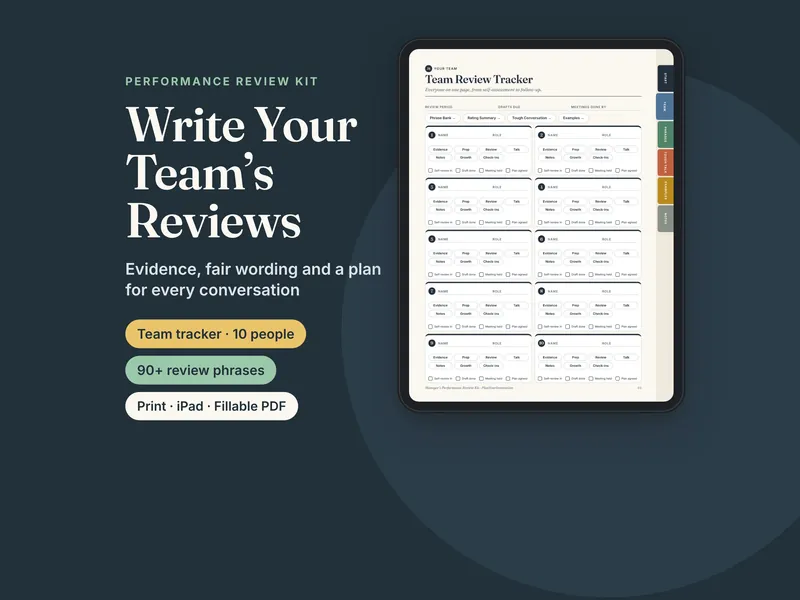
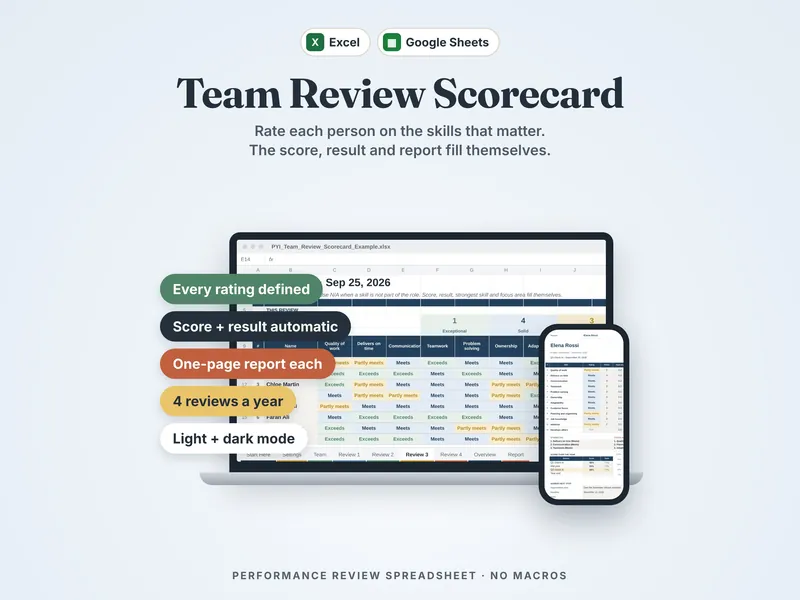
Manager's Performance Review Kit: Evidence Log, Review Writing Worksheet, a 90+ line Phrase Bank, a Rating Summary with a bias check, Conversation and Tough Conversation Planners, Development Plan and 30-60-90 day check-ins, plus the Team Review Scorecard spreadsheet.
Meeting Notes & Action Tracker: an agenda page, meeting capture with a promises table, a Follow-Through List and Waiting On.
12-Week Planner with OKRs: objectives and key results, action plans, 12 weekly plan and scorecard pages, plus a spreadsheet that scores each week for you.
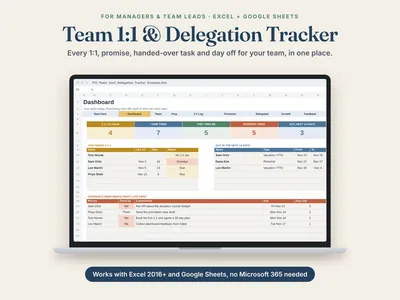
Work Task Manager spreadsheet: tasks, today, week, month, Kanban, priority matrix, recurring work, meetings and waiting-on in one Excel or Google Sheets file.
Priority Planner (Eisenhower matrix): sort what's urgent and what's important before the day fills up.
The six tools in the New Manager Toolkit.
The pages are printable (US Letter, with A4 and A5 copies) and fillable on a computer, there are hyperlinked iPad versions for GoodNotes and Notability, and 13 editable Word forms. Several pages come with filled-in examples, like the ones in this post.
Who it's for (and who it isn't)
First-time managers in their first year, especially if you were promoted from the team.
Experienced managers taking over a new or inherited team.
Team leads and supervisors who run 1:1s but have no system for them yet.
Founders and small-business owners hiring their first few people.
It isn't an HR system. It won't store records for your company, track pay or replace your company's official review form. Think of it as your own working notebook: you use it to prepare, decide and remember, then copy the result into whatever system your company uses.
12 ways to use the New Manager Toolkit
Here's how the pages fit into a real first year, in roughly the order you'll need them.
1. Plan your first 90 days in one sitting
Fill in My First 90 Days as a Manager in week one: three goals each for learn (days 1 to 30), build trust (31 to 60) and lead (61 to 90), plus how you'll know each phase worked. Example goal: "1:1 with all six people by Nov 14." Share it with your boss.
2. Have the five conversations with your boss
Five Conversations with My Boss gives you the questions for the situation, expectations, working style, resources and your growth. Write their answers in their words. Example: "Success at 90 days = weekend rota fixed, no escalations missed."
3. Run a listening tour
Ask everyone the same five questions on the Team Listening Tour page: what's working, what gets in the way, what they'd change first, what you should know and how you can help. After five people, circle what you heard more than twice. That's your quick-win list.
4. Get to know each person in a first 1:1
Our First 1:1 is for the getting-to-know-you conversation: how they like feedback and recognition, what they want more and less of, and where they want to grow. Example note: "Prefers feedback in writing first, then a chat."
5. Run weekly 1:1s people look forward to
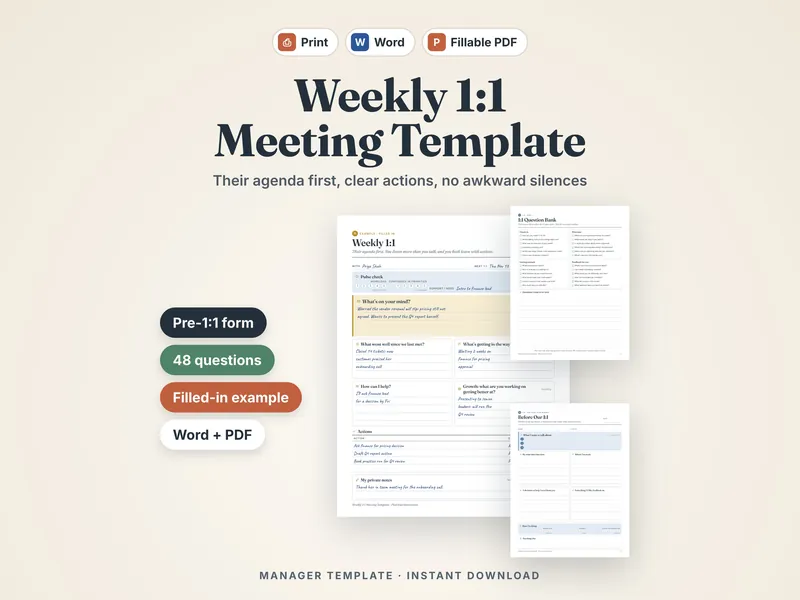
Use one Weekly 1:1 page per person per week. Ask them to fill in Before Our 1:1 the day before, so their topics come first. When it goes quiet, pick two questions from the 48-question bank. Every action lands in the 1:1 Actions Log, which you read back at the start of the next 1:1.
6. Keep every promise from every meeting
Meeting Notes has a promises table on every page: action, owner, due date, check-back date. Two minutes after each meeting, move anything you own to the Follow-Through List or into the Work Task Manager spreadsheet, and anything you're waiting for to Waiting On. Example: "Ask finance for pricing decision · Me · Fri."
7. Agree how the team works
Write the Team Working Agreement together in one meeting: how you communicate, how decisions get made, response times, meeting rules and what happens when something goes wrong. Example line: "Urgent = call, not chat. Everything else, reply within one working day." Review it every quarter.
8. Set team goals with OKRs
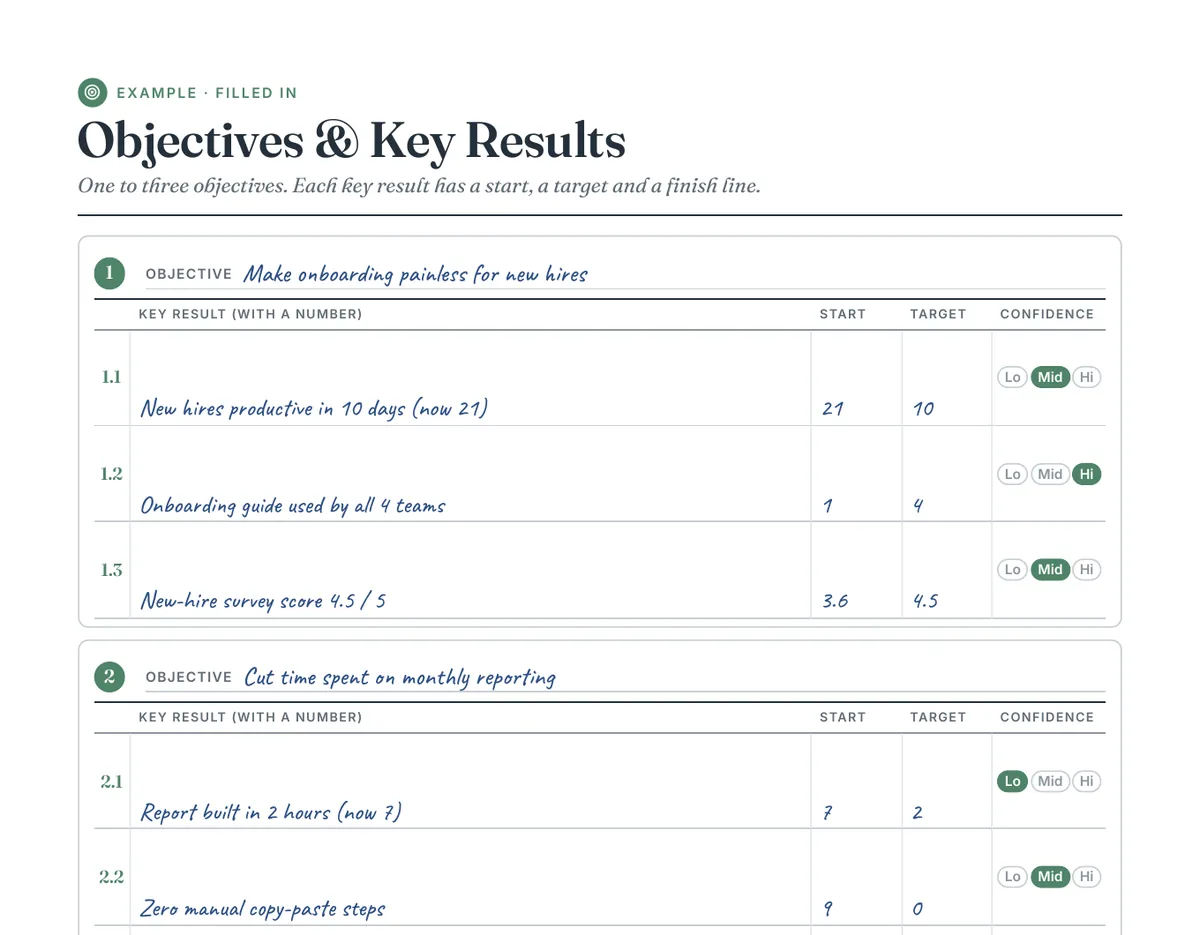
In month two or three, use the 12-Week Planner to set one to three objectives, each with key results that have a start, a target and a finish line. Example: "Make onboarding painless for new hires: new hires productive in 10 days (now 21)." The weekly scorecard keeps it alive after week three.
Team OKRs in the 12-Week Planner: each key result has a start, a target and a confidence rating.
9. Delegate without losing track
The Delegation Planner makes you name the outcome, the person, why them and the level of freedom, from "do exactly this" to "own it fully". Example: "Vendor renewal · Priya · knows the vendor · level 4: decide, then tell me · check in Nov 20." The "I'll stop doing" box is the important one.
10. See who can do what
The Team Skills Matrix rates each person on the skills your team needs. It shows single points of failure ("only Sam can run payroll") and gives you a training plan and development goals for reviews.
11. Keep an evidence log all year
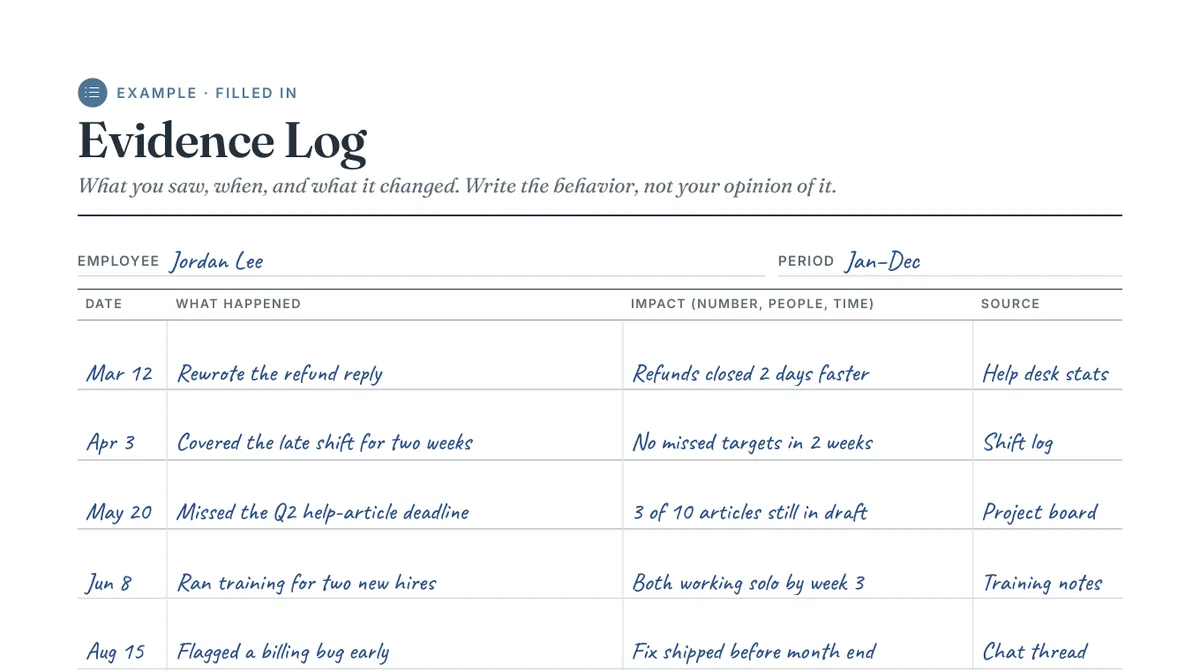
Ten minutes after a 1:1 is enough: one dated line in each person's Evidence Log for what happened and what it changed. Write the behavior, not your opinion. Example: "Jun 8 · Ran training for two new hires · both working solo by week 3." Come review season, the hard part is already done.
A year of evidence for one person, ten minutes at a time.
12. Write fair reviews and handle the hard conversations
When reviews come round, the Review Writing Worksheet turns the evidence log into a summary, results, strengths and growth areas, the Phrase Bank helps with wording, and the Rating Summary's bias check keeps the team's ratings consistent. The Conversation Plan and Tough Conversation Planner get you ready for the meeting itself. Our guide on how to write a performance review walks through it step by step.
What a normal week looks like with the toolkit
Monday, 10 minutes: Priority Planner for the week, then check the Work Task Manager's Today and Waiting On tabs.
Before each 1:1: read last week's actions and their Before Our 1:1 page.
During each 1:1: one Weekly 1:1 page, actions written with owners and dates.
After meetings you run, 2 minutes: move promises to your Follow-Through List.
Friday, 10 minutes: score the week in the 12-Week Planner and add a line to each person's Evidence Log.
That's about 30 to 40 minutes a week on top of the meetings you already have. In return you walk into every 1:1 prepared, you stop forgetting promises, and reviews take an evening per person instead of a weekend.
Printable, iPad or spreadsheet: which should you use?
Use whichever you'll actually open. Many managers print the Weekly 1:1 and meeting pages (writing by hand in a 1:1 feels less like typing an email) and keep tasks in the spreadsheet. Others run everything on an iPad with the hyperlinked planners. The Word forms are there for anything you need to share with your team or HR.
Want just one part?
If you only need the weekly 1:1 pages, the Weekly 1:1 Template is the smallest start. If it's review season and that's your only worry, the Manager's Performance Review Kit covers reviews on its own. If you want the whole first year covered, the New Manager Toolkit includes both, plus everything above. You can compare everything on the new manager toolkit page.
Free printable pages
Hand off work clearly from week one
Get The Priority Pages free, including a one-page Delegation Agreement and a Roles & Goals Weekly Plan for your first months as a manager.
No. Every page is undated, so you can start any week of the year and never waste a page.
Does it work with Google Sheets?
Yes. The Work Task Manager, 12-Week Planner and Team Review Scorecard spreadsheets work in Excel and Google Sheets, with no macros.
Can I use it on an iPad?
Yes. There are four hyperlinked iPad planners for GoodNotes, Notability, Noteshelf or any PDF app with links.
I've been a manager for years. Is it still useful?
Most experienced managers use the 1:1, delegation and review pages. The first-90-days pages are useful again whenever you take over a new team.
How do I get the files?
It's an instant download from my Etsy shop. Download it from Etsy's Purchases page on a computer or web browser, because the Etsy app can't download digital files.

 By