After the tenth application, a job search stops fitting in your head. Which ones did you follow up on? When is the next interview? What did they ask in round two? A simple tracker answers all of that in one place. This guide shows the 10 columns worth keeping, the status stages to use, a formula that flags follow-ups for you, 20 example entries written vaguely and then clearly, and a 15-minute weekly routine that keeps the search moving.
Because a job search is mostly follow-through. The applications you remember to follow up on, the interviews you prepare for properly and the thank-you notes you actually send are where offers come from. A tracker makes all of that visible, so nothing slips while you're busy with your current job.
It also tells you what's working. After a few weeks you can see which sources get replies, which kind of role gets interviews, and whether you need to apply more or apply better.
What columns should a job application tracker have?
Start with ten. You can add more later, but these cover almost every question you'll ask:
Company: the organization's name.
Role: the exact job title from the posting, so you can find it again.
Applied: the date you sent it.
Status: one of the stages below, from a dropdown (Data > Data validation) so it stays consistent.
Last contact: the last time you heard from them or wrote to them.
Follow up on: the date to follow up if you hear nothing.
Next step: the one thing that happens next, with a date.
Contact: the recruiter, hiring manager or referral, with how to reach them.
Salary range: from the posting, or what you learned in the first call.
Source: where you found it: referral, LinkedIn, company site, job board.
Two more are worth adding once you're applying a lot: a link to the posting (they often disappear) and which version of your résumé and cover letter you sent. Freeze the header row (View > Freeze > 1 row) and add a filter (Data > Create a filter) so you can sort by status or date.
Which status stages should you use?
Keep it to a short, fixed list so you can count them:
Wishlist: found it, haven't applied yet. Add the apply-by date in Next step.
Applied: sent, no reply yet.
Screening: a recruiter or phone screen is booked or done.
Interviewing: in interview rounds with the hiring team.
Offer: you have an offer to consider.
Accepted, Declined or Rejected: closed. Keep the rows; they're useful data.
How do you make follow-ups flag themselves?
Two small formulas do most of the work. In the Follow up on column (F), calculate a date 7 days after your last contact:
=IF(E2="", "", E2+7)
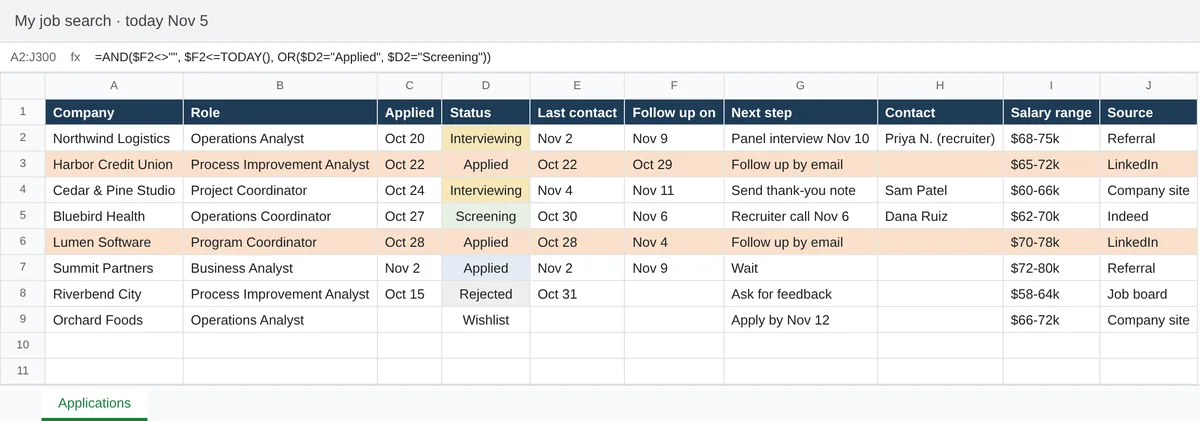
Then select A2:J300, open Format > Conditional formatting, choose "Custom formula is" and enter the rule below with a light orange fill. Any application still waiting for a reply turns orange on its follow-up day:
Change the 7 if you prefer a different gap. When you follow up, update Last contact and the row stops being orange for another week. The same steps work in Excel, under Home > Conditional Formatting > New Rule > "Use a formula".
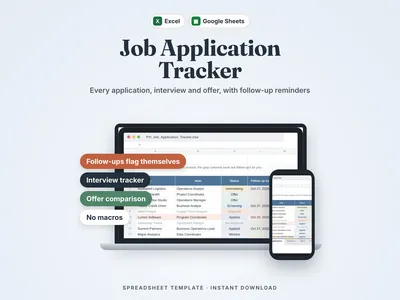
The ten columns, with a status dropdown and two follow-ups that are due turning orange.
Count your progress
Add a few totals at the top or on a second tab. Applications sent: =COUNTA(C2:C300). Interviews: =COUNTIF(D2:D300, "Interviewing"). Replies of any kind, as a share of applications: =(COUNTIF(D2:D300, "Screening")+COUNTIF(D2:D300, "Interviewing")+COUNTIF(D2:D300, "Offer"))/COUNTA(C2:C300). Format the last one as a percentage. If it stays very low for a few weeks, look at the applications themselves, not just the number you send.
Job tracker examples: vague vs clear
The tracker is only as useful as what you write in it. Clear entries have a date, a name or a specific next action. Here are 20 examples.
Next step
Vague: "Waiting." Clear: "Follow up by email on Nov 9 if no reply."
Vague: "Prep." Clear: "Prepare 3 STAR stories on process improvement by Nov 9."
Vague: "Apply soon." Clear: "Apply by Nov 12; tailor résumé for operations."
Vague: "Thank-you." Clear: "Send thank-you notes to Sam and Ana today."
Follow-up messages
Vague: "Just checking in." Clear: "I applied for the Operations Analyst role on Oct 22 and wanted to check whether you need anything else from me."
Vague: "Any update?" Clear: "Thanks again for Thursday's interview. Is there a timeline for next steps I should plan around?"
Vague: "Still interested!" Clear: "I'm still very interested, especially in the onboarding redesign you mentioned. Happy to share examples of similar work."
Vague: "Following up again." Clear: "I know hiring takes time. I'll check back on Nov 20 unless you'd prefer I wait longer."
Vague: "Can you refer me?" Clear: "Would you be comfortable referring me for the Business Analyst role? Here's the posting and two lines on why I fit."
Interview notes
Vague: "Went OK." Clear: "Strong on process questions; weak answer on stakeholder conflict. Prepare a better example."
Vague: "Lots of questions." Clear: "Asked: biggest process you fixed, how you handle pushback, why leave now."
Vague: "Nice team." Clear: "Team of 6, manager Dana; they want someone to own the monthly reporting."
Vague: "Salary talk." Clear: "Range $68-75k confirmed; bonus up to 5%; start date flexible."
Vague: "Do better next time." Clear: "Next time: open with the result, then the story. Keep answers under 2 minutes."
Achievements to reuse in applications
Vague: "Good with process." Clear: "Cleared the invoice backlog from 140 open items to 12 in three months."
Vague: "Saved time." Clear: "Built one shared report sheet that saves the team about 3 hours a week."
Vague: "Cut costs." Clear: "Led a vendor review that cut costs 11% ($18k a year) with no drop in service."
Vague: "Trained people." Clear: "Trained 2 new hires; both working on their own by week 3."
Vague: "Customer focused." Clear: "Wrote a client FAQ that cut support tickets 25%."
Keep that last list on its own tab. Each line becomes a résumé bullet, a cover letter sentence and the start of an interview story. If you kept a brag document at work, it's already done: our guide on how to write a brag document explains the format, and my free brag doc is a one-page template.
A 15-minute weekly job search routine
Sort by Follow up on and send every follow-up that's due (5 minutes).
Update the status of anything that changed this week.
Check the Next step column for interviews and deadlines in the next 7 days, and put them in your calendar.
Count what you sent this week against a target you can keep alongside your job, say 3 to 5 good applications.
Pick next week's applications from your Wishlist rows.
Do it at the same time every week, Sunday evening or Friday lunch. A job search done in small, steady sessions is easier to keep up than one done in a panic every few weeks.
How do you job search while you still have a job?
Most people change jobs while they're still employed, which means the search happens in lunch breaks and evenings. The tracker matters even more then, because you can't rely on memory between a Tuesday screen and a Friday follow-up. A few habits keep it calm and discreet:
Keep it personal. Use a personal email, phone and Google account, never your work laptop or work email.
Batch the admin. Do applications and follow-ups in one or two set sessions a week, from the tracker, instead of checking job sites all day.
Offer interview times that fit. Early morning, lunch or late afternoon slots are normal to ask for. Note the time zone in Next step for remote interviews.
Don't spend your current job's goodwill. Keep doing good work and keep your references warm. A strong last few months matter.
Write your wins down now. The best time to collect achievements for your résumé is while you still have access to the numbers.
If an interviewer asks why you're looking, have one honest, forward-looking sentence ready, something like "I've learned a lot in operations and I want a role where I own the reporting end to end." Keep a version for each company in your tracker so it fits the role you applied for.
How many jobs should you apply to?
There's no magic number, and more isn't always better. A handful of well-matched, tailored applications a week usually beats dozens of quick ones. Use your tracker to decide: if you're getting replies but no offers, focus on interview practice; if you're getting no replies at all, look at your résumé and the fit of the roles before sending more.
How do you compare job offers?
Put offers side by side: base pay, bonus, equity, sign-on, retirement match, and the first-year total. Then score the things money doesn't cover, such as growth, the team, the work itself, flexibility and your gut feeling, from 1 to 5. Decide your minimum and target salary before the offers arrive, so you're judging against your own numbers, not the first figure someone gives you.
Templates that help
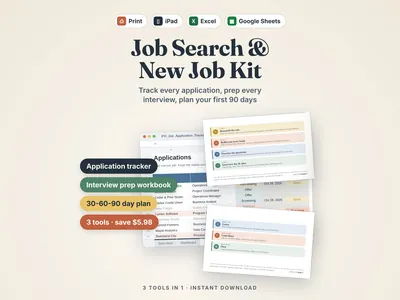
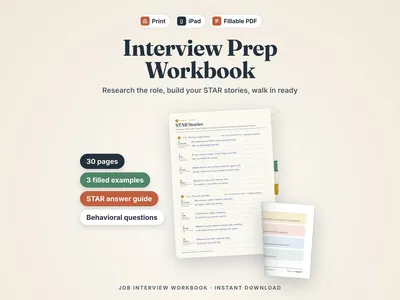
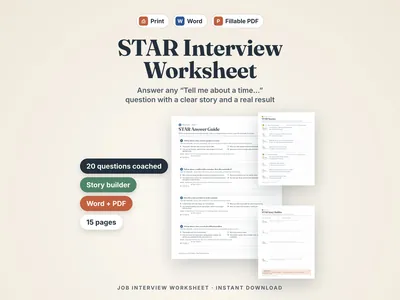
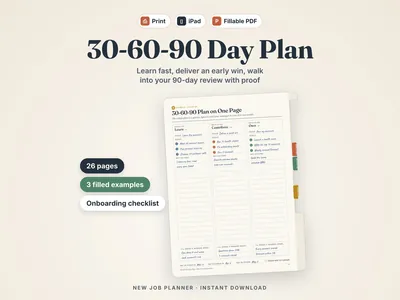
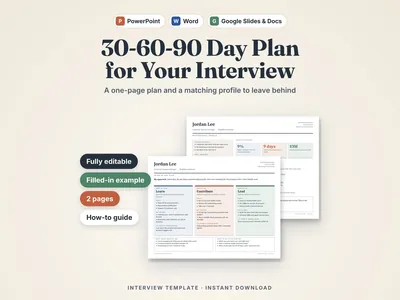
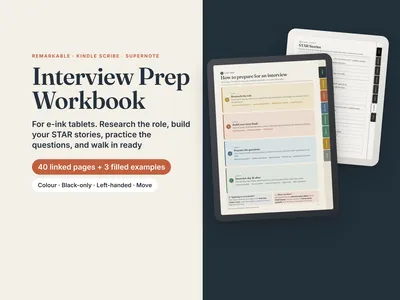
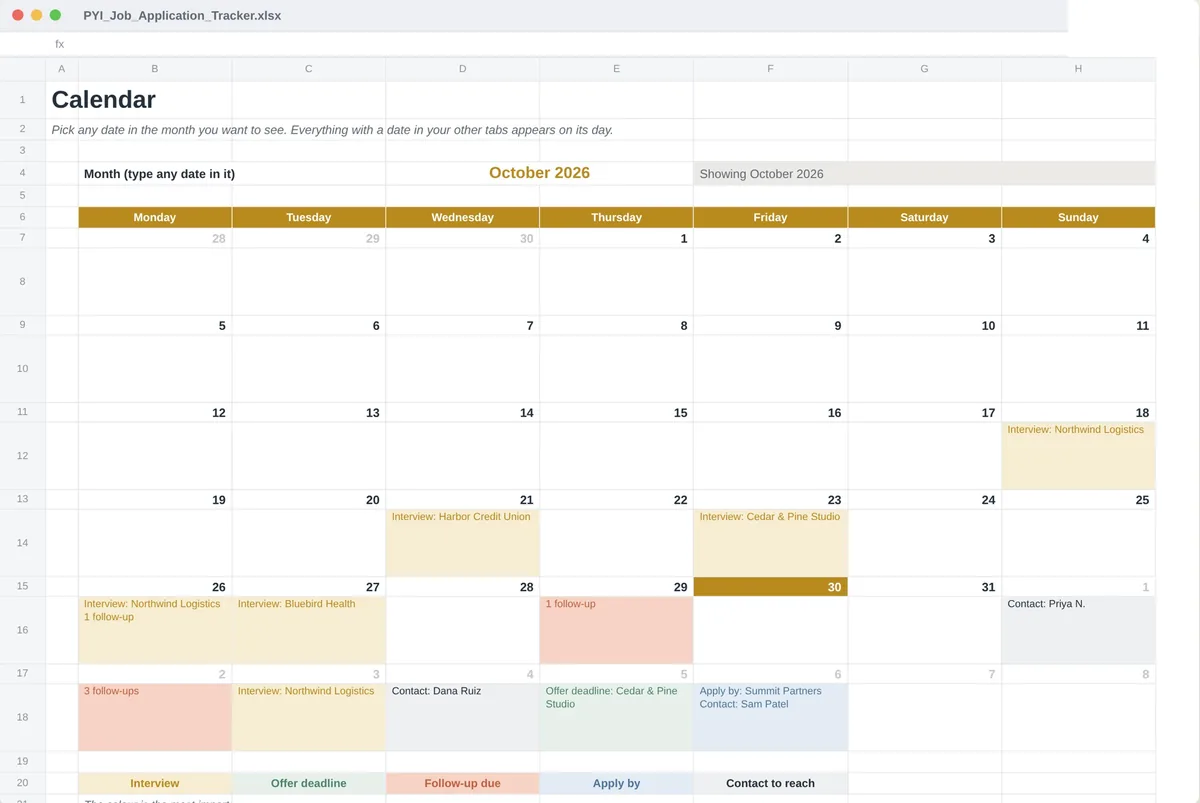
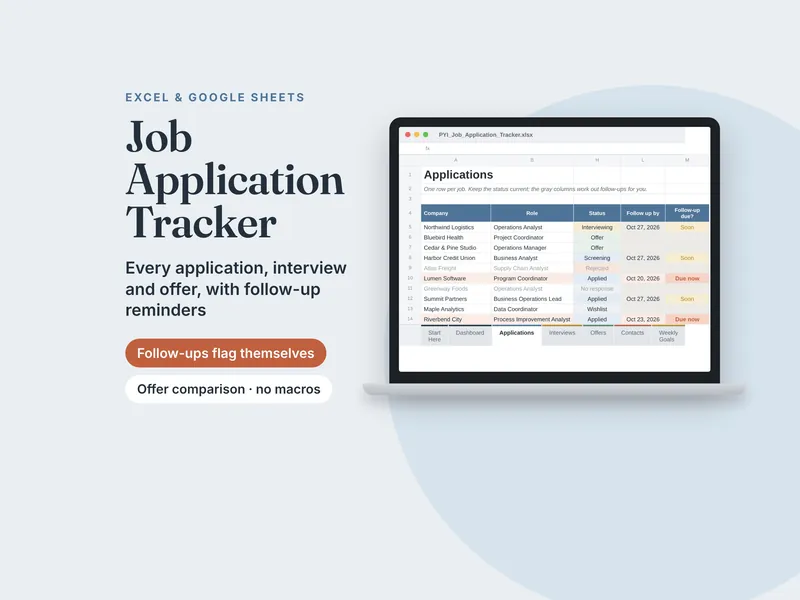
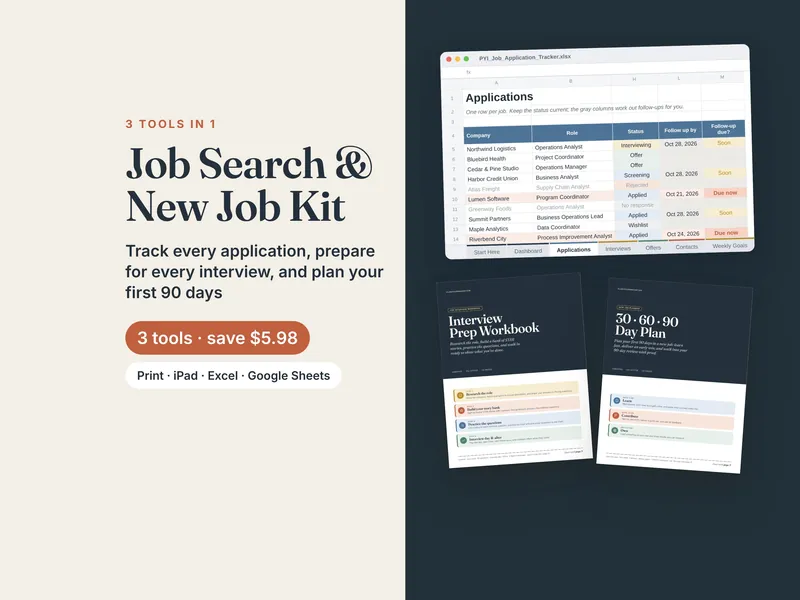
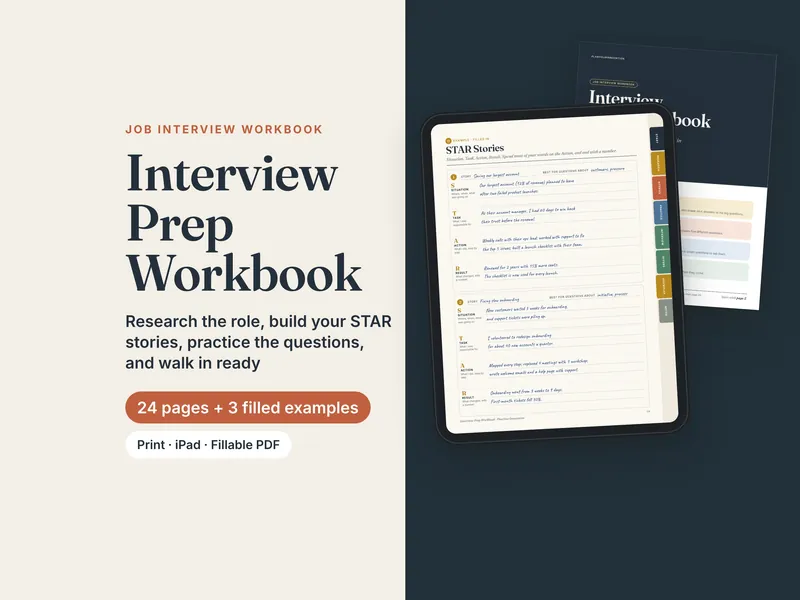
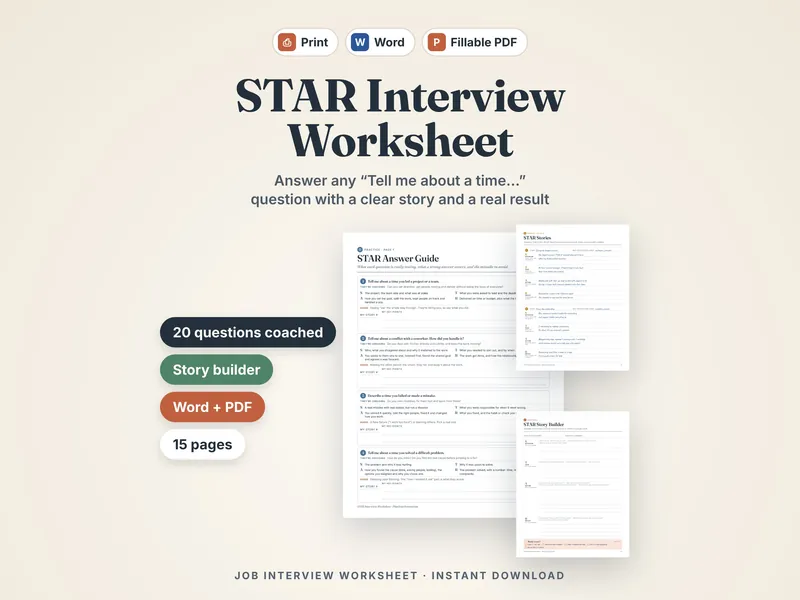
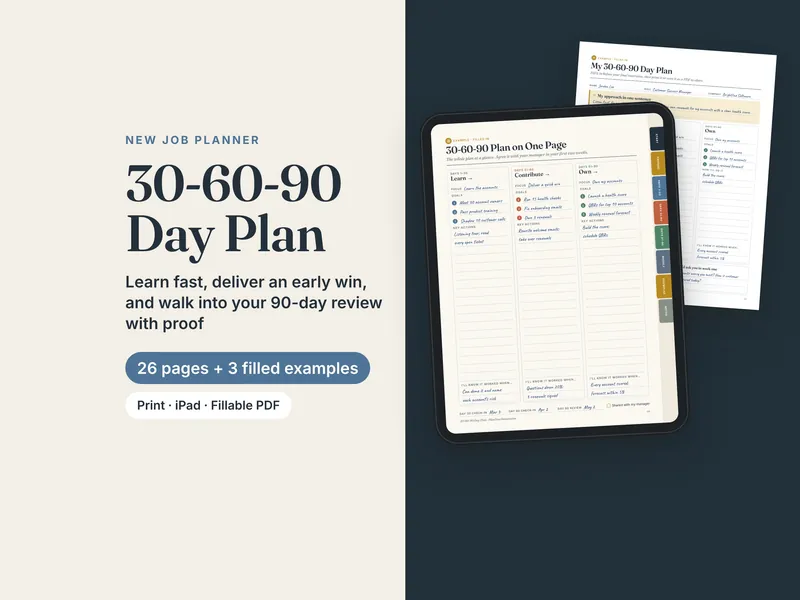
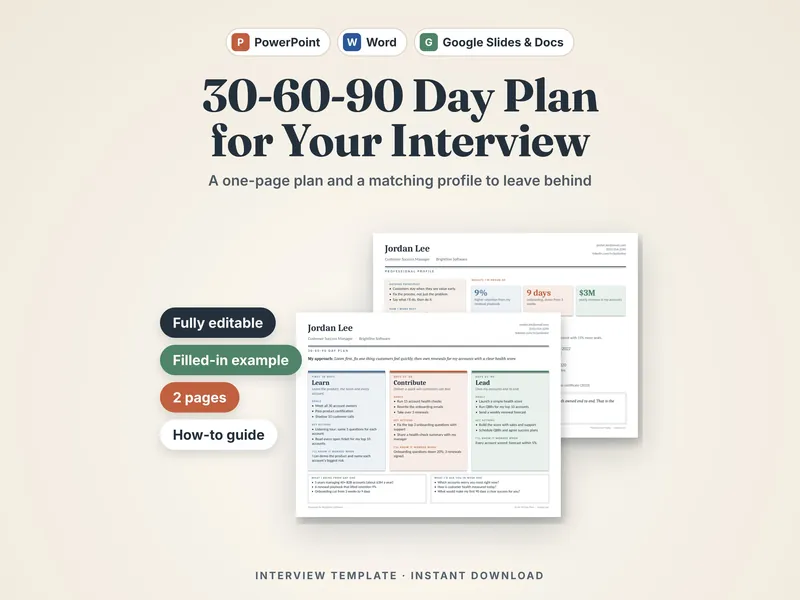
The Job Application Tracker does everything in this guide and more, in Excel and Google Sheets: a dashboard with your next interview and what's due today, a calendar that fills itself in, applications that turn orange when a follow-up is due, interview rounds with the questions they asked, an offer comparison against your target salary, a Research tab and an Achievements Bank. Preparing for interviews too? The Interview Prep Workbook helps you build STAR stories for 20 common questions. The Job Search & New Job Kit combines both with the 30-60-90 Day Plan for your first three months. See the job application tracker page for everything inside.
Prefer to prepare on an e-ink tablet? The Interview Prep Workbook and the 30-60-90 Day Plan also come as hyperlinked editions for reMarkable, Kindle Scribe and Supernote.
In our Job Application Tracker, every interview, follow-up and deadline lands on a calendar by itself.
Free printable
Keep every application on one page
Get the free Interview Tracker page from the Job Search & New Job Kit: every company you're talking to, the stage, the next date and your thank-you notes on one page.
Free. Plus a short work-planning tip about once a week. Unsubscribe anytime.
Launching Wednesday, November 25
Career Command
The whole career set in one bundle: land the job, start strong, track your wins and get promoted, with the 2027 Goal Planning Kit included. Get one email on launch morning.
Free. Plus a short work-planning tip about once a week. Unsubscribe anytime.
Should I track job applications in Google Sheets or Excel?
Either works. Google Sheets is free, works on your phone and is easy to keep up to date from anywhere. Excel is better if you already live in it. The formulas in this guide work in both.
How long should I wait before following up?
About a week after applying, and two or three working days after an interview. If a recruiter gave you a timeline, wait until just after it.
Should I keep rejected applications in the tracker?
Yes. They show which sources and roles work for you, and companies often reopen roles or have similar ones later.
Is it safe to track my job search on a work computer?
Keep it on a personal account and device. Your employer may be able to see files on work systems.
What should I do when I accept an offer?
Mark it Accepted, close the other open applications politely, and start a 30-60-90 day plan for the new role.

 By